
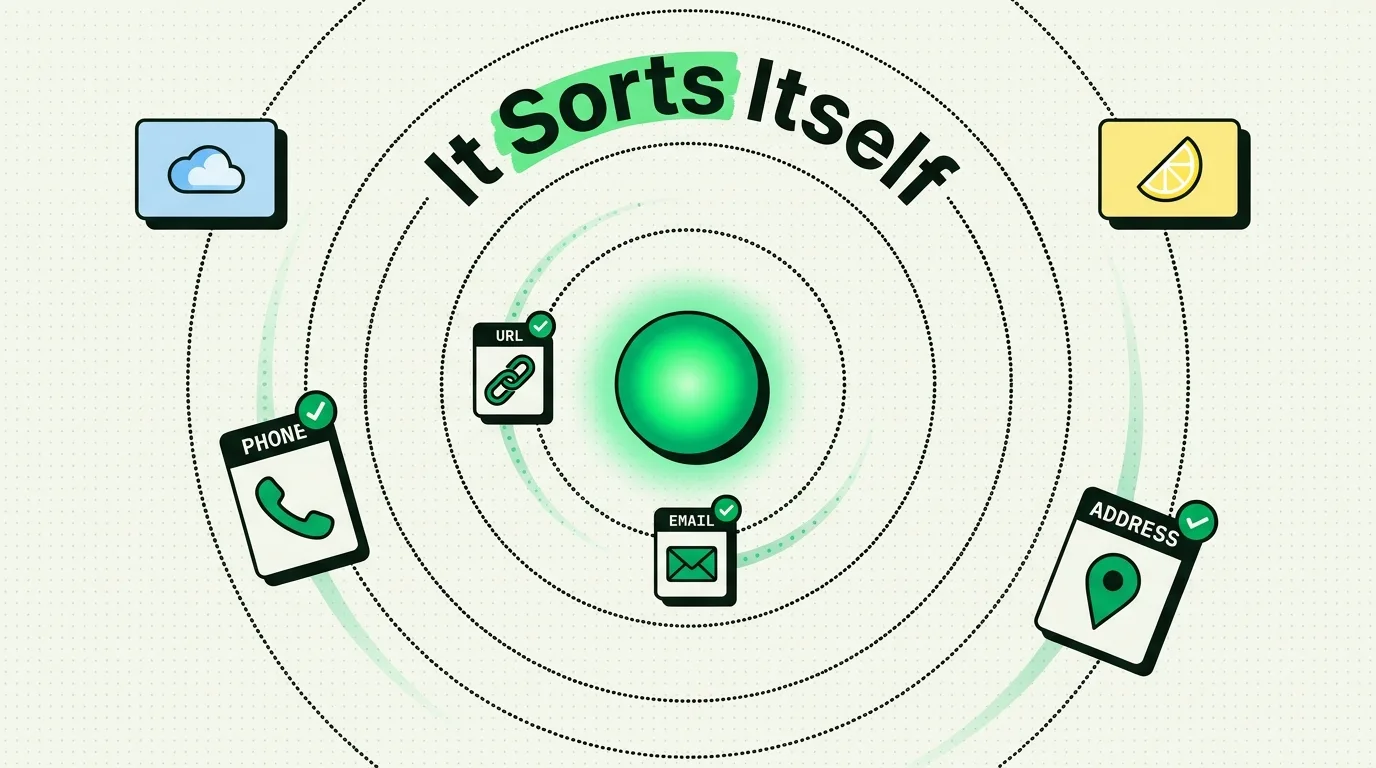
Smart clipboard categorization uses on-device pattern recognition and machine learning to automatically sort your copied text, images, and links into structured groups like Links, Emails, Phone Numbers, Addresses, and Verification Codes. By running classification algorithms locally on your iPhone, tools like ClipboardAI remove the need for manual folders or tags, organizing your copy history silently in the background so you can retrieve past snippets in seconds without internet latency or privacy leaks.
The Chaos of Unsorted History
Clipboard managers that log history solve a basic problem: they prevent you from losing your last copy. However, as your database grows to hundreds of entries, finding a specific snippet becomes a chore.
You find yourself scrolling through a long, chronological feed of web links, email fragments, code lines, and grocery lists.
Manual organization - where you tag each item or drag it into a folder - fails because it adds too much friction. You copy items quickly while in the middle of other tasks. You do not want to stop what you are doing just to categorize a tracking code or email address.
Smart categorization solves this by automating the filing process.
Clipboard Auto-Categorization Schema
To file your snippets without manual input, the local classification engine maps text inputs to specific data categories:
| Category | Detection Method | Trigger Action | Example Match |
|---|---|---|---|
| Links (URLs) | Regex validation for web protocols and domain structures. | Opens in default browser; reveals preview thumbnail. | https://clipboardai.app/blog |
| Emails | String parsing for @ symbols and domain suffix standards. |
Opens mail composer; creates new contact card. | [email protected] |
| Phone Numbers | Pattern matching for country codes, parentheses, and dashes. | Triggers system dialer; sends message via WhatsApp. | +1 (555) 019-2834 |
| Addresses | Core ML entity recognition for street numbers and postal codes. | Opens in Apple Maps; calculates travel directions. | 1 Infinite Loop, Cupertino, CA |
| Codes | Length limits (4-12 chars) and alphanumeric token checks. | Copies raw code; launches package tracking page. | ZV-9283-49-X |
| Text | Catch-all class for strings that do not match structured lists. | Launches text search; translates block to other languages. | "The quick brown fox jumps..." |
4 Search and Filter Workflows to Try
Use these sorting methods to quickly navigate your clipboard history:
- Isolate Shipping Codes: Tap the Codes filter in ClipboardAI. This filters out all links and conversational text, displaying only your tracking numbers and authentication codes.
- Extract Contact Lists: When reviewing notes from a meeting, select the Emails category to display every email address you copied during the call.
- Consolidate Web Research: Before writing a report, select the Links filter, check the relevant URLs, and choose Batch Copy to paste them all as a bibliography.
- Audit Location Data: Select the Addresses filter to show only geographic strings, allowing you to quickly copy hotel or office addresses into your GPS app.
The Technology: Regex vs. Core ML
A smart clipboard manager uses a two-tier classification pipeline.
First, the system runs the copied text through a lightweight regular expression (Regex) parser. This is a fast, rules-based engine that handles predictable patterns like email addresses ([^@]+@[^@]+\.[^@]+) and standard URLs.
For unstructured strings - like a street address written as a single line or a business card image converted to text - Regex fails.
In these cases, the system passes the string to a local machine learning classifier trained on text entities.
  [Copied Input String] ──(First Pass)──> [Regex Quick Checks]
                                                    │
                                             (If Unstructured)
                                                    │
                                                    ▼
  [Assigned Category Tag] <──(Tagged)──── [Core ML Classifier]
This model analyzes the semantic context of the words to determine the category, processing the data in under five milliseconds.
Limitations of Automated Classification
Automatic categorization is highly efficient, but it has key limitations:
- Contextual Ambiguity: A six-digit number could be a verification code, a flight number, or part of a street address. The classifier must guess based on surrounding words, which can occasionally lead to miscategorization.
- Complex Address Formats: Mailing address formats vary significantly by country. A system trained primarily on North American layouts might misclassify a postal code in Japan or the United Kingdom.
- Nested Data Blocks: If you copy an entire email that contains a link, an address, and a phone number, the system will categorize the entire block as Text. To categorize the individual pieces, you must highlight and copy them separately.
Frequently Asked Questions
Does the classifier run when my phone is locked?
No. To save battery life and maintain security, the classifier only processes clipboard items when the phone is awake and a new copy event is registered.
Can I create my own custom categories?
Currently, the categorization schema is pre-compiled into the local machine learning model to ensure fast execution. However, you can use the Favorites or Pin features to organize specific clips manually.
How does ClipboardAI handle multiple phone numbers in one copy?
If you copy a block containing multiple phone numbers, the database stores it as a single entry under the Phone Numbers category. When you tap the snippet, the app lets you choose which number you want to call.
Does the AI scan images for text automatically?
Yes. If you copy an image containing text, ClipboardAI uses iOS Live Text integration to extract the text layer first, then runs the classifier on the extracted characters.