
Most of what people save in Apple Notes is not actually a note. It is a copied link, a copied address, a copied confirmation code, or a quote from an article, pasted into a note titled "stuff" because there was nowhere better to put it in the moment. A clipboard manager captures that exact category of content automatically, with no app-switching and no naming required. It cannot replace Notes for long-form writing, drawings, or anything you want organized into folders you control. This is the honest split between the two, based on actually trying to live on clipboard history alone.
The Scenario That Started This
Open your Notes app right now and find the note you use as a dumping ground. Mine was called "misc" and had 340-some entries by the time I looked closely: a WiFi password from a coffee shop, four different tracking numbers, a recipe link I never opened again, and an address I'd pasted in three separate times because I could never find it the first two.
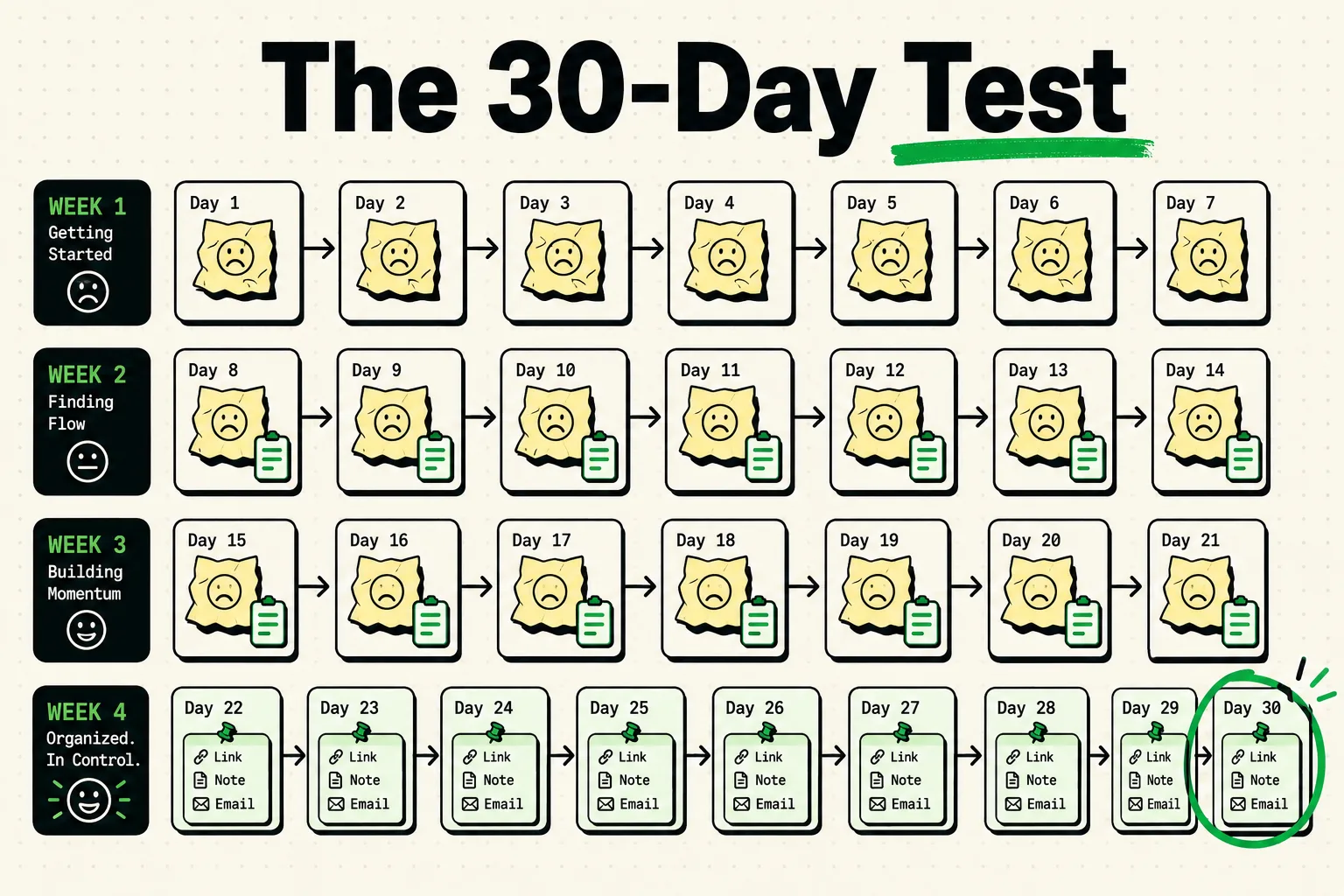
None of that is really "notes." It is clipboard content that ended up in Notes because Notes was the only thing that would remember it past the next copy. So I stopped creating new notes for a few weeks and used ClipboardAI for anything that would normally land in that dumping-ground note, to see where it held up and where it didn't.
This is not a controlled experiment with a sample size or a measured retrieval-success rate. It's a workflow comparison from actually doing it, and the caveats matter as much as the wins.
Where Clipboard-First Beat Notes
Capture speed. Saving something in Notes is: switch app, wait for it to open, find or create the right note, tap to place your cursor, paste, maybe add a separator, switch back. A clipboard manager's capture step is: copy. That's the entire step. Every single piece of text, link, or code you copy is already saved the moment you copy it, whether or not you remember to do anything else with it.
Auto-categorization removed the filing decision entirely. In Notes, everything I pasted into "misc" went into one flat, undated wall of text. In ClipboardAI, links, phone numbers, email addresses, and physical addresses are automatically sorted into their own categories the instant they're copied. Finding a link I grabbed a few days ago meant opening the Links category and scanning ten items, not scrolling past three hundred lines of unrelated text.
I stopped losing things mid-task. The classic failure mode: copy an address, get distracted, copy something else, come back, address is gone. With clipboard history instead of a single-slot clipboard, the address is still sitting there whether I pasted it yet or not.
Where It Broke
Long-form writing was unusable. Drafting even a short multi-paragraph email in a clipboard manager doesn't work; it's built for snippets, not composition. I ended up drafting longer things in Notes anyway, or in the Mail app's draft field, which somewhat defeats the "no Notes" rule but reflects how people actually use these tools together.
No custom project grouping. Auto-categorization sorts by content type (link, address, phone number), not by project. Planning a trip means gathering hotel confirmations, a packing list, and restaurant addresses that have nothing in common except that they're all "the Portugal trip." Notes lets you fold all of that under one note or folder. A clipboard manager's categories don't do that; you can pin individual items to keep them near the top, but that is not the same as a project folder.
Rich content has no home. Photos, sketches, PDFs, and anything beyond copied text or a link belong in a real notes app or a files app, not a clipboard history.
The Actual Split That Worked
After the trial period, here's the honest allocation, not a 90/10 rule invented after the fact, just what each tool is actually for:
| Use case | Best tool | Why |
|---|---|---|
| A link, address, phone number, or code you copied from somewhere else | Clipboard manager | Zero-effort capture, auto-sorted, searchable |
| A quote or fact you'll reuse in writing later | Clipboard manager | Same reason; pin it if you'll need it repeatedly |
| A multi-paragraph draft, meeting notes, or brainstorm | Notes app | Needs real composition space, not a snippet list |
| A project that mixes many content types (trip, event, renovation) | Notes app (or a folder) | Needs custom grouping a category-based tool doesn't do |
| Something you paste the same way every time (signature, standard reply) | Clipboard manager, pinned | Stays at the top regardless of what else you copy |
Honest Caveats
This is not a controlled study. I did not track exact retrieval rates or run a matched control month using Notes only. What I can say with confidence: the categories of content that used to clutter my "misc" note (links, addresses, codes) stopped needing a note at all, because they were captured the moment I copied them. The categories that Notes still does better (long writing, mixed-media project folders) did not go away, and no clipboard manager I'm aware of, including ClipboardAI, is trying to solve those.
If you want to try this yourself, the setup takes about two minutes: install a clipboard manager, move your notes app off your home screen (don't delete it), and for one week, notice what you reach for out of habit. That single week of noticing is more useful than any precise before/after number, because it shows you exactly which of your own habits are actually clipboard habits wearing a notes app disguise.
Frequently Asked Questions
Can a clipboard manager fully replace a notes app?
Not fully. It replaces the specific habit of pasting copied snippets into a dumping-ground note. It does not replace long-form writing, drawing, or project folders that mix content types.
What happens to my existing notes if I try this?
Nothing. Your existing notes stay exactly where they are. This is about where new copied content goes going forward, not migrating or deleting anything.
Does ClipboardAI support custom project folders like Notes does?
ClipboardAI organizes clips by auto-detected type (links, phone numbers, emails, addresses) and lets you pin individual items and add custom names to specific clips. It does not have a Notes-style folder system for grouping unrelated content types under one project.
Is this workflow free to try?
Yes. ClipboardAI is free to start, and there's a 7-day free trial of the full experience so you can test whether the capture-and-categorize workflow fits how you actually use your clipboard.