
The Bottom Line
Moving involves typing your new address and a handful of related details into dozens of separate forms over several weeks: address changes, utility signups, DMV paperwork, new doctor intake forms. The single most useful prep is writing that information once, correctly, and pasting it everywhere instead of retyping it (and introducing typos) each time.
The Moving Info Snippet Kit
Fill this in as soon as you have a confirmed new address and save it as a pinned clip in a clipboard manager like ClipboardAI:
New address (full): [Street, Unit, City, State, ZIP]
Move-in date: [Date]
New phone number (if changed): [Number]
Old address (for forwarding/records): [Full old address]
Lease/mortgage account number: [Number]
Renters/homeowners insurance policy #: [Number]
This single block covers most of what gets requested across bank address updates, subscription billing changes, voter registration, and new utility signups. Paste the whole block into a notes app for reference, or paste individual lines directly into web forms as you go.
A Realistic Address-Update Order
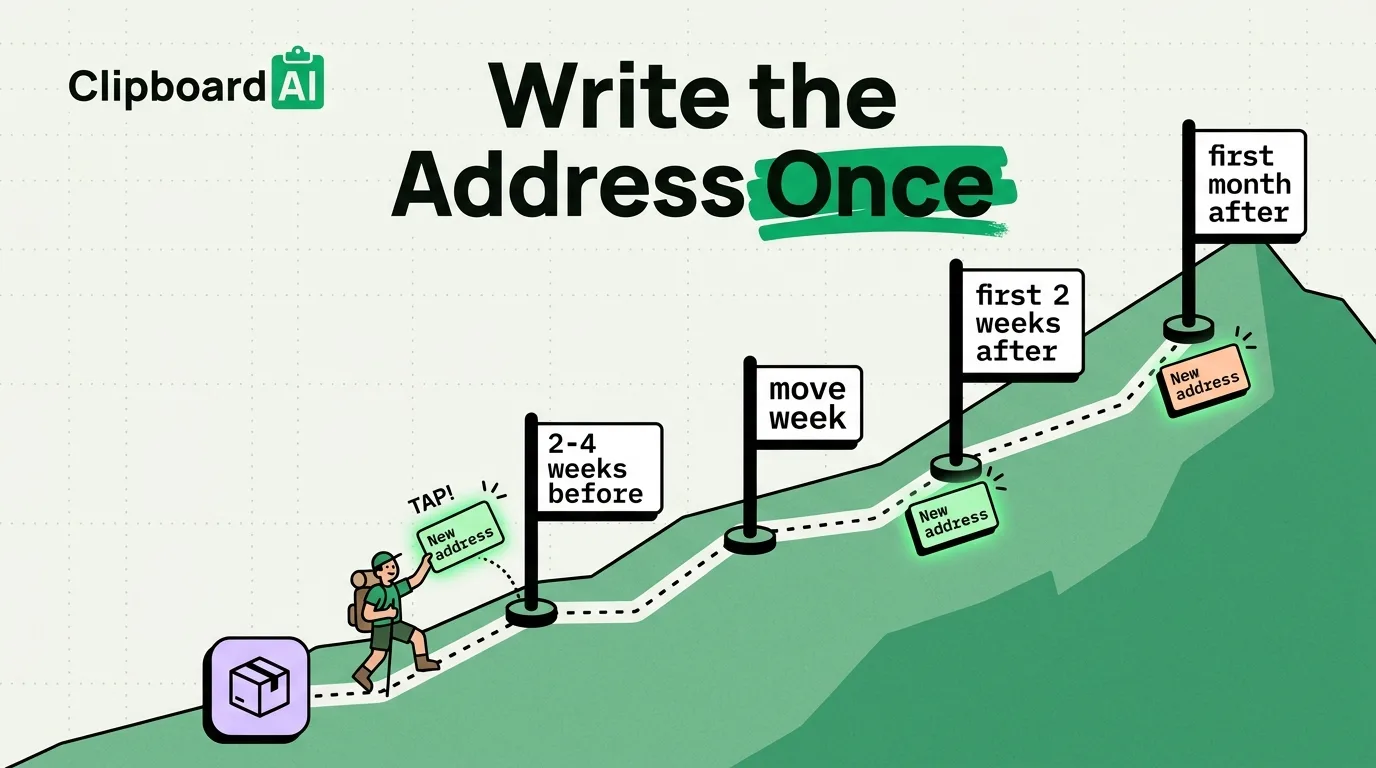
| When | Update |
|---|---|
| 2-4 weeks before | USPS mail forwarding (usps.com/move), bank and credit card statements, employer HR/payroll |
| Move week | Utilities (electric, gas, internet) at both old and new address, car insurance |
| First 2 weeks after | Driver's license/vehicle registration (varies by state deadline), voter registration, doctor/dentist records transfer request |
| First month after | Subscription billing addresses, any mail-order accounts, gym/membership transfers |
Native iPhone Features Worth Using
- Maps offline download: download your new neighborhood in Apple Maps or Google Maps before your data plan or home internet is set up, so you have navigation without relying on cellular coverage you haven't tested yet.
- Live Text on paperwork: point your camera at a lease, utility bill, or DMV form and copy specific fields (account numbers, dates) directly instead of retyping them.
- Contacts update: update your own contact card (Contacts app > My Card) with the new address so anyone you share your contact with via AirDrop gets the current info automatically.
What This Doesn't Cover
None of this replaces confirming requirements with your specific state DMV, voter registration office, or insurance provider; deadlines and required documents vary by location and this is general guidance, not region-specific legal advice.
Frequently Asked Questions
How do I make sure my saved address snippet doesn't get lost among other clips?
Pin it in ClipboardAI so it stays fixed at the top of your history instead of scrolling down as you copy other things during the move.
Does this work on all iPhone models?
Yes, Live Text requires iOS 15 or later with an A12 chip or newer (iPhone XS and later); Maps offline downloads work on any iPhone running a current Maps app version.