
The Bottom Line
The moment you actually need your pet's info, you're rarely at home with the folder of paperwork — you're at an unfamiliar emergency vet at 11pm, or a boarding kennel is asking for vaccination dates over the phone. The fix is keeping the specific facts you get asked for repeatedly (not a whole app, just the actual data) somewhere you can pull up or paste in seconds.
The Pet Info Snippet Kit
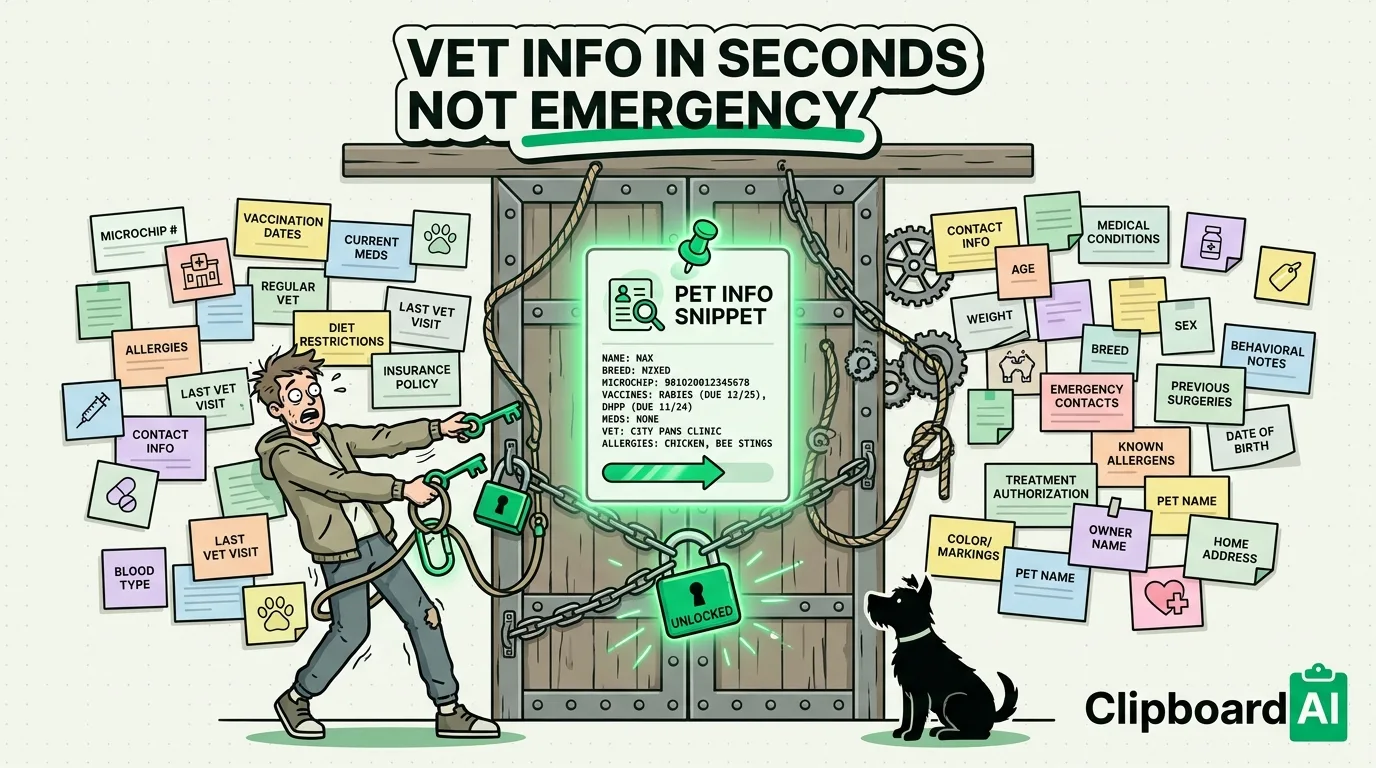
Copy this into your clipboard manager once, fill in your pet's details, and pin it. With ClipboardAI, pinned items stay at the top of your history so you're never scrolling to find them under newer copies:
Pet name: [Name]
Species/breed: [e.g. Domestic Shorthair Cat]
DOB/age: [Date or approx.]
Microchip #: [Number]
Regular vet: [Clinic name + phone]
Vaccination status: [Rabies date, DHPP/FVRCP date]
Current medications + dosage: [List]
Known allergies: [List or "none known"]
Weight (last recorded): [Weight + date]
Emergency contact (if you're unreachable): [Name + phone]
This single block covers what most boarding facilities, groomers, pet sitters, and emergency vet intake forms ask for. Instead of digging through the Notes app or an old email from your vet, you paste the whole block and edit only what's changed.
Specific Situations Where This Saves Real Time
| Situation | What you'd otherwise be doing |
|---|---|
| Emergency vet visit, unfamiliar clinic | Recalling vaccination dates and current meds from memory under stress |
| Booking a new boarding kennel or sitter | Re-typing the same intake info you already gave your regular groomer |
| Pet sitter app or neighbor watching your pet | Texting instructions piecemeal instead of one complete reference |
| Lost pet flyer or posting to a neighborhood app | Re-describing microchip number and photo details from scratch |
Photos and Documents
Take a photo of your pet's actual vaccination record and rabies certificate once and keep it in a dedicated Photos album (create one via Albums > New Album named "Pet Records"). If a vet or groomer sends you a PDF, save it to the Files app in the same context rather than letting it sit buried in Mail. For any text on a printed vet form, Live Text (long-press on the photo) lets you copy details like a microchip number directly out of the image instead of retyping them.
What This Doesn't Cover
None of this replaces your vet's actual records system, and clinics will typically want to verify vaccination history through their own records or a physical certificate rather than take your word for it, especially for boarding or grooming with strict vaccine requirements. Keep the physical or PDF certificate accessible too, not just the summary text.
Frequently Asked Questions
Is there an iOS feature specifically for pet medical info, like Medical ID for humans?
No. Apple's Medical ID (in the Health app) is designed for human emergency responders and doesn't have a pet equivalent. That's exactly why a manually maintained snippet works better here than trying to force a built-in feature to do this job.
Can I share this info with a pet sitter without giving them my whole clipboard history?
Yes. Copy just that one pinned snippet and send it directly via Messages or email rather than sharing access to your clipboard app itself.