
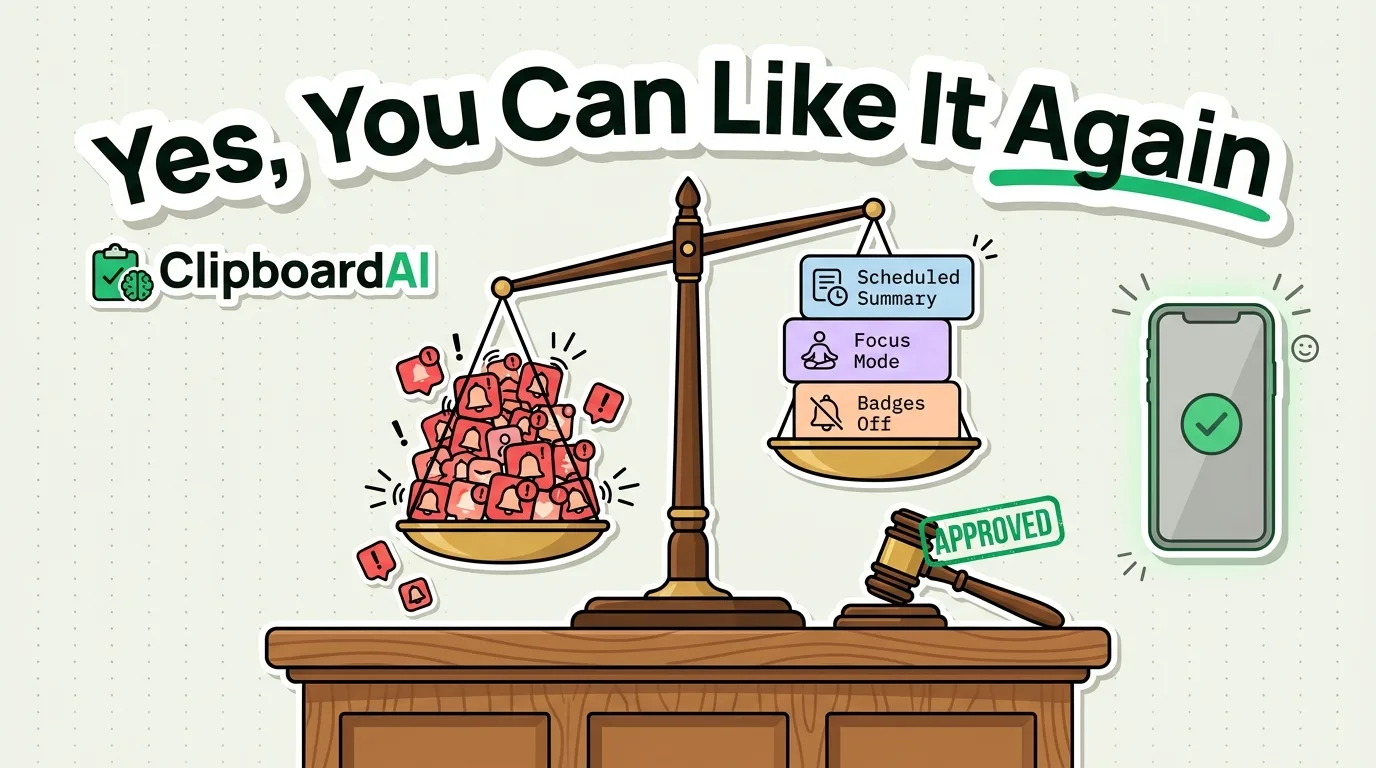
The Bottom Line
If picking up your phone reliably makes you feel worse, the problem is almost always notification volume and app design, not willpower. The fix is a one-time settings pass, not a new habit you have to maintain. Below is the exact order to do it in, starting with the change that removes the most friction for the least effort.
Step 1: See What's Actually Interrupting You
Go to Settings > Notifications and scroll the full app list. Most people have never looked at this list end to end. For each app, ask: does this need to interrupt me the instant something happens, or can it wait until I open the app? Turn off Allow Notifications entirely for anything that isn't time-sensitive (most games, shopping apps, social apps you don't need alerts from).
Step 2: The Three Settings That Do Most of the Work
| Setting | Where | What it fixes |
|---|---|---|
| Scheduled Summary | Settings > Notifications > Scheduled Summary | Batches low-priority app notifications into 1-2 daily digests instead of drip-feeding them all day |
| Reduce badge counts | Per-app in Settings > Notifications > [app] > Badges | Removes the red dot that pulls your eye even with sound and banners off |
| Focus mode with allowed contacts only | Settings > Focus > create a custom Focus | Lets calls/texts from specific people through, silences everything else, works on a schedule |
Step 3: Make the Home Screen Boring on Purpose
Move anything designed to be scrolled (social apps, video apps) off your first home screen and into the App Library only, reachable by swipe or search, not a tap away. This adds a few seconds of friction, which is often enough to interrupt the reflexive "just check real quick" pickup. Set your Lock Screen wallpaper to something plain rather than a photo you enjoy looking at; a few people report this alone reduces idle unlocking, though this is anecdotal, not something we've measured ourselves.
Where a Clipboard Manager Actually Helps Here
One underrated source of phone friction: re-finding and re-typing information you've already looked up once (an address, a confirmation code, a reply you already wrote). Every one of those searches is a chance to get pulled into something else on your phone. A clipboard manager like ClipboardAI keeps a searchable history so you paste instead of re-searching, which shortens the number of times you're opening your phone with an open-ended task ("let me just check...").
What This Won't Fix
Turning off notifications reduces interruptions, it doesn't address compulsive checking that isn't triggered by a notification at all. If you find yourself opening the same app dozens of times a day with no alert prompting it, Screen Time's App Limits (Settings > Screen Time > App Limits) adds a soft daily cap, though it can be bypassed by tapping "Ignore Limit," so it works better as a reminder than a hard block.
Frequently Asked Questions
Will turning off notifications make me miss something important?
Set a custom Focus mode that allows calls and texts from specific contacts through even when notifications are otherwise silenced, so urgent people can still reach you.
Does Scheduled Summary delay everything, including messages?
No. Scheduled Summary only applies to apps you specifically add to it. Messages, phone calls, and any app you leave outside the summary still notify you immediately.