
The Bottom Line
Most "phone anxiety" moments aren't really about the phone call itself — they're about composing the right words on the spot: declining an invite without a paragraph of justification, asking a stranger to move at a coffee shop, or telling a group chat you're skipping tonight. The fix is having those exact phrases already written and one tap away, so you're never drafting under social pressure.
A Starter Kit of Pre-Written Responses
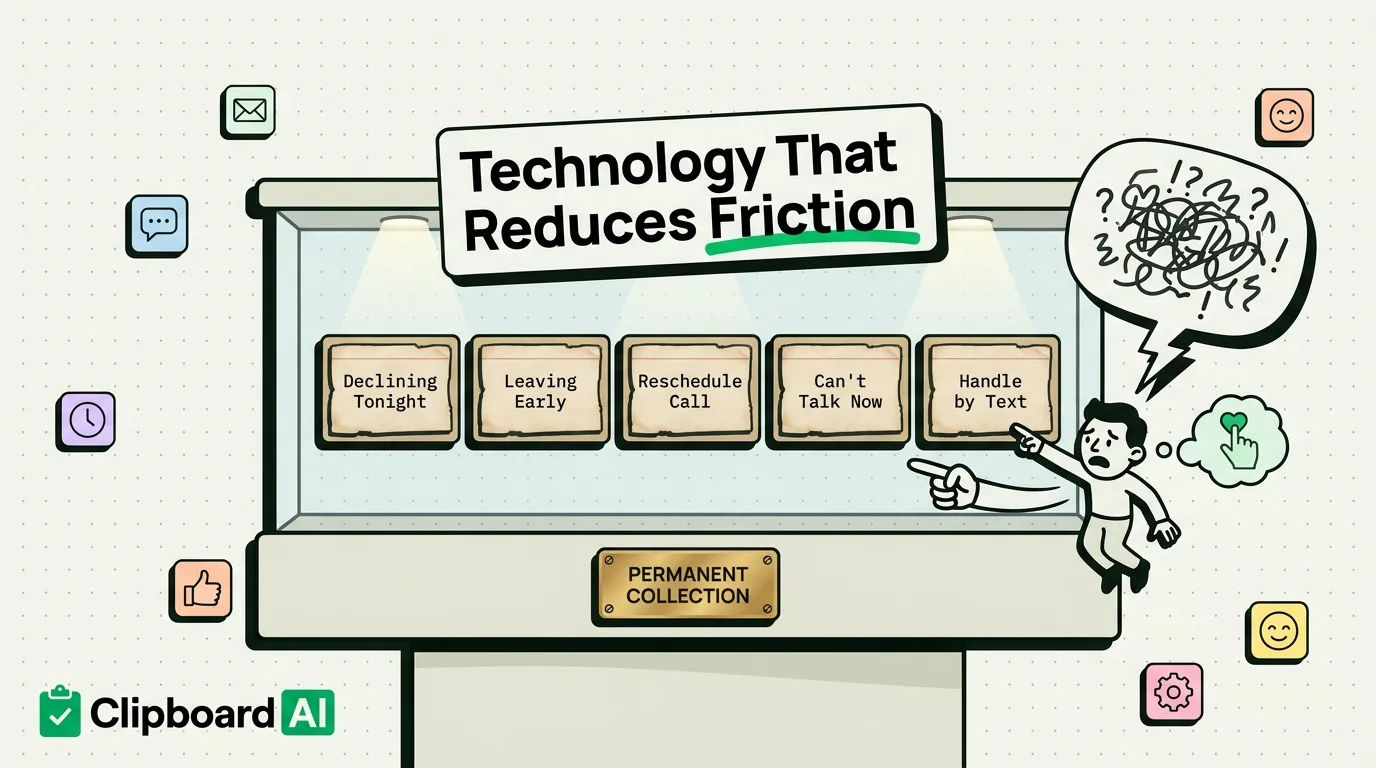
Write these once, save them, and reuse them instead of composing from scratch every time. A clipboard manager like ClipboardAI lets you pin text like this so it stays at the top of your history instead of getting buried under newer copies:
| Situation | Template you can edit and send in seconds |
|---|---|
| Declining a last-minute hangout | "Thanks for thinking of me! I'm going to sit this one out tonight, but let's catch up soon." |
| Leaving a group event early | "Heading out now, this was great, see you all next time." |
| Asking to reschedule a call | "Can we move this to [day]? Something came up on my end, sorry for the short notice." |
| Responding to an unexpected call you don't want to take | Text back: "Can't talk right now, what's up? I can call back at [time]." |
| Declining a phone call in favor of text/email | "I'm not near a quiet spot to call right now, mind if we handle this over email/text instead?" |
Native iPhone Features That Do the Same Job
- Silence Unknown Callers (Settings > Phone): sends any call not in your contacts straight to voicemail, so you're never caught off guard by a number you don't recognize.
- Text Replies for calls: when a call comes in, swipe up on the call screen for "Message" to send a quick canned reply ("Can't talk right now") without answering. Customize these in Settings > Phone > Respond with Text.
- Focus modes: a "Do Not Disturb" or custom Focus filters notifications so you're not pulled into a conversation the moment you open your phone.
Putting It Together
The actual habit that makes this work: when you find yourself typing the same kind of message for the third time (declining, rescheduling, stepping out), stop and save that exact phrasing as a pinned clip. The next time the same situation comes up, you're editing a name or a time in a message you've already approved of, not composing new language while feeling put on the spot.
What This Doesn't Fix
Canned responses reduce the friction of small, repeated social asks. They don't replace an honest conversation when someone needs a real explanation, and overusing the same exact wording with the same person can read as impersonal. Use these for logistics and low-stakes moments, not for anything that actually needs a real reply.
Frequently Asked Questions
Will my saved replies sync between my iPhone and other devices?
Yes, if you enable ClipboardAI's iCloud sync, pinned clips carry over to your iPad and Mac as well.
Is there a built-in iOS way to save canned text replies?
Only for phone calls (Settings > Phone > Respond with Text, limited to 3 presets). For messages, notes, or repeated typing anywhere else, you need a clipboard manager or text-expansion tool since iOS doesn't include a general one.