
The Bottom Line
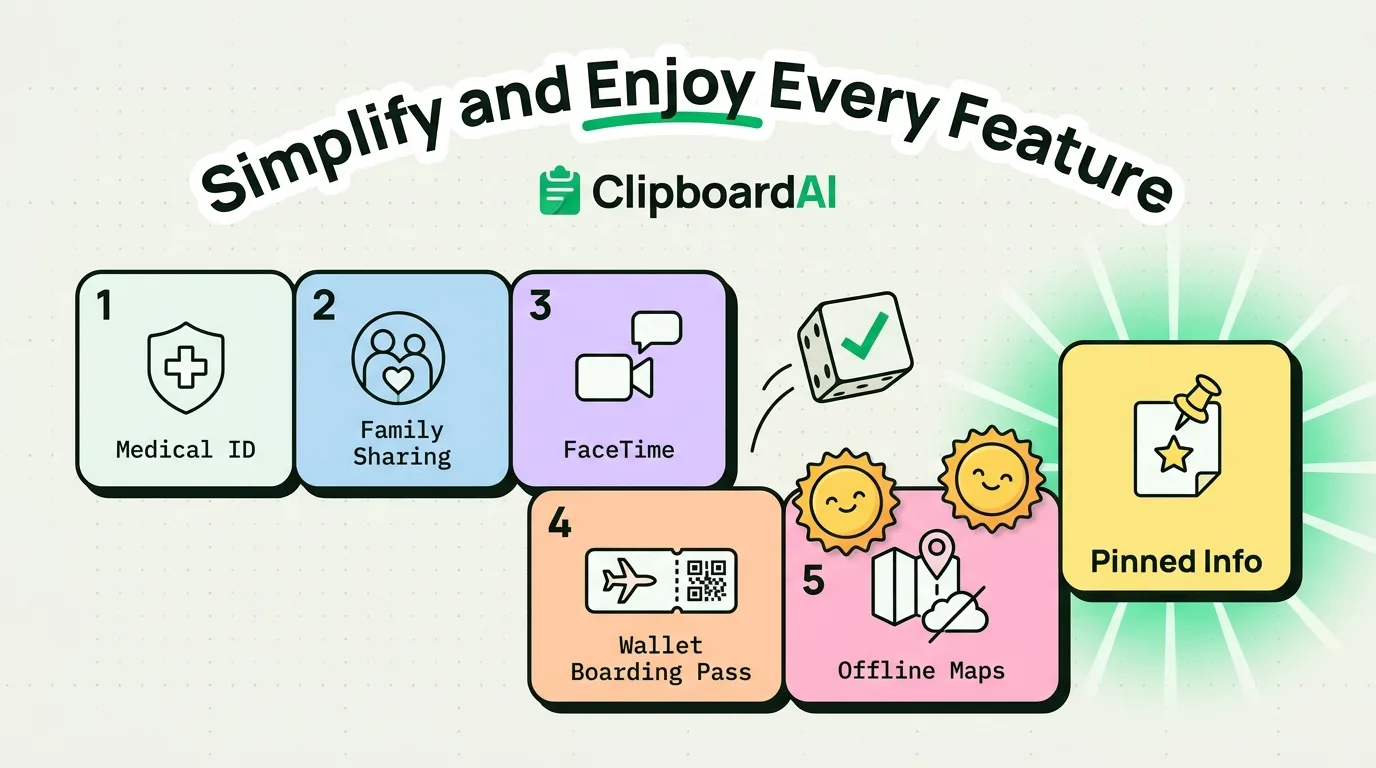
Retirement changes what a phone needs to do: less "keep up with a busy schedule," more "stay connected with family, track health, and travel without friction." The iPhone already has most of this built in, mainly Health app features and Family Sharing, that go unused simply because nobody points them out during setup.
Health Features Worth Turning On
| Feature | Where | What it does |
|---|---|---|
| Medical ID | Health app > profile icon > Medical ID | Visible from the lock screen without unlocking, lists conditions, medications, and emergency contacts |
| Fall Detection (Apple Watch, if paired) | Watch app > Emergency SOS | Automatically calls emergency services if a hard fall is detected and no response after a set time |
| Medication reminders | Health app > Browse > Medications | Scheduled reminders with logging, useful for multiple prescriptions |
| Emergency SOS | Settings > Emergency SOS | Side-button-hold calls for help and can share location with emergency contacts automatically |
Staying Connected Without Complexity
Family Sharing (Settings > tap your name > Family Sharing) lets you share purchased apps, an iCloud storage plan, and location with family members from one setup, without each person managing separate subscriptions. It also enables Find My sharing between family members, useful for both peace of mind and for a family member helping troubleshoot the phone remotely.
For actually seeing and talking to grandchildren, FaceTime works better for most people than trying to learn a separate video app: it opens directly from a Favorites contact with one tap, no separate account or login needed beyond the Apple ID already on the phone.
Travel Features
Airline boarding passes and hotel keys can live in the Wallet app directly from email confirmation links (tap "Add to Wallet" in the confirmation email or app), removing the need to print anything. Offline Maps (Maps app > profile icon > Offline Maps) can be downloaded in advance for a trip, useful anywhere cell signal is unreliable.
A Small Addition for Repeated Information
A common friction point: repeatedly typing out an insurance number, a doctor's phone number, or a home address into forms, texts, or emails. A clipboard manager with pinning removes the retyping. ClipboardAI lets a few key pieces of information get pinned once and stay one tap away afterward. It is a smaller addition than the health and family features above, worth setting up only if the person is already comfortable with the core setup and wants one more convenience.
Frequently Asked Questions
How do I set up Medical ID on iPhone?
Open the Health app, tap your profile icon in the top right, select Medical ID, then Edit. Fill in conditions, medications, and emergency contacts. This is visible from the lock screen in an emergency without needing to unlock the phone.
Can Family Sharing help if a family member needs to help with the phone remotely?
Family Sharing enables Find My location sharing between members, and combined with FaceTime's screen sharing feature (tap the screen-share icon during a call), a family member can see and guide the phone's screen in real time.
How do I add a boarding pass or hotel key to my iPhone without printing it?
Look for an "Add to Wallet" button in the airline or hotel's confirmation email or app. Tapping it saves the pass directly to the Wallet app, where it can be pulled up at security or check-in without needing cell signal.