
The Bottom Line
A lot of iPhone productivity advice sounds reasonable and falls apart under actual use. Here are six specific claims that circulate constantly, checked against how iOS actually behaves.
Myth vs. Reality
| The claim | The reality |
|---|---|
| "Turn off all notifications for deep focus" | Works for a day, then people quietly turn them back on because they miss something important. A tiered system (urgent apps allowed, everything else silenced) holds up longer than an all-or-nothing approach. |
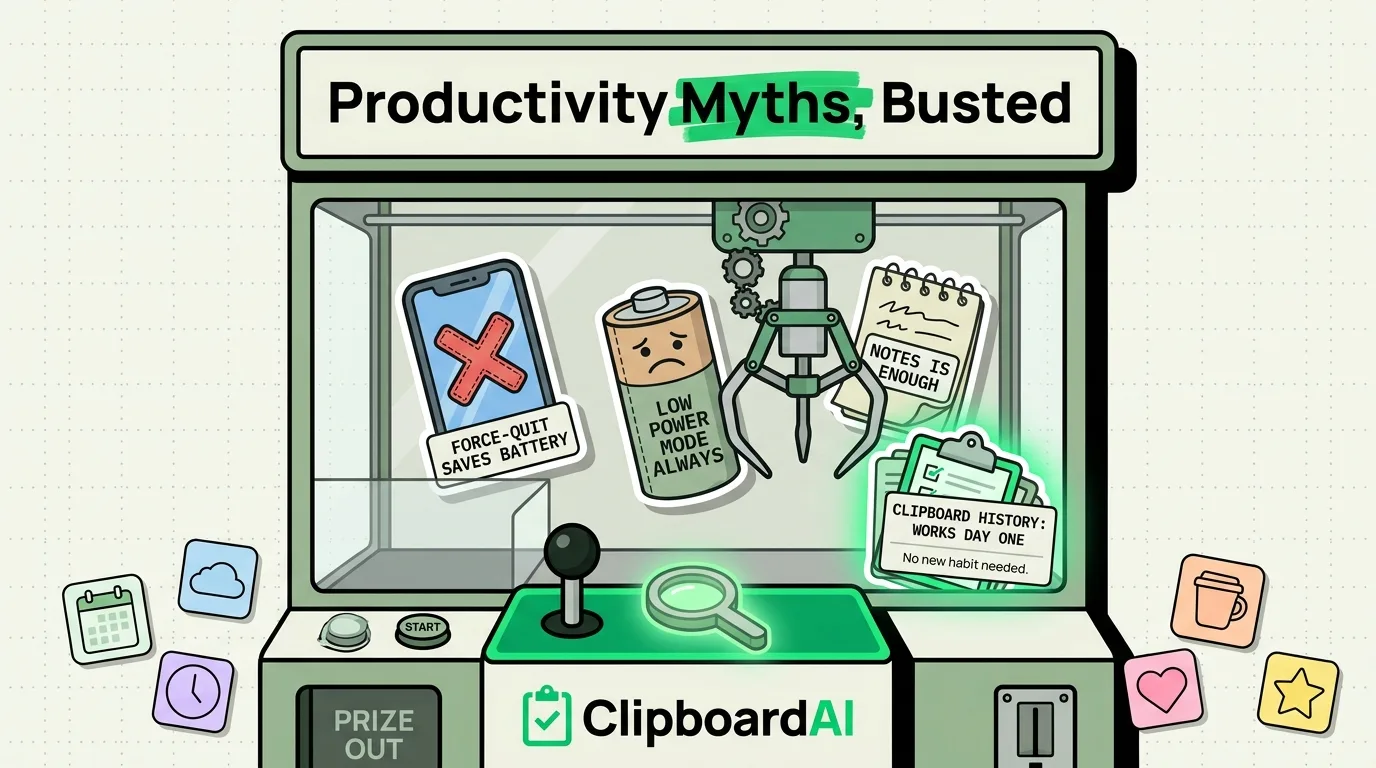
| "Force-quitting apps saves battery" | iOS suspends background apps automatically; force-quitting and reopening an app from scratch often uses more battery and CPU than leaving it suspended. Apple has said this directly. Force-quit only for an app that is actually frozen or misbehaving. |
| "Low Power Mode should be on all the time" | Its main effect is throttling background refresh and slightly dimming auto-lock timing. Below 20-30% battery it is a genuine help. At 80-100% it mostly just makes the phone feel a bit slower for negligible savings. |
| "You need a to-do app to be organized on iPhone" | Reminders (built in, free) handles time-based and location-based reminders fine for most people. A dedicated to-do app earns its place only past a certain project complexity, like when you need sub-tasks, shared projects, or Gantt-style views. |
| "Auto-correct makes you a worse typist" | For the average person, auto-correct catches more typos than it introduces. The setting actually worth revisiting is auto-capitalization, which people find more disruptive for casual, lowercase-style texting. |
| "Clipboard managers are overkill, just use Notes" | Notes requires you to manually paste and label everything. The point of a clipboard manager is that it captures every copy automatically, in order, without you doing anything extra. Notes is for content you deliberately want to keep; a clipboard history is for content you copied in passing and might need again in the next ten minutes. |
The One Productivity Habit With the Best Time-to-Value
Most productivity advice requires building a new habit from scratch, which is why so much of it does not stick. Clipboard history is different: it works passively the moment it is installed. You do not have to remember to use it, because copying is something you already do dozens of times a day. ClipboardAI saves what you copy automatically and lets you search or pin it later, so the "productivity gain" happens without you changing behavior first.
Where This Advice Doesn't Apply
None of this is universal. Someone managing a genuinely complex multi-person project probably does need a dedicated project management app, not just Reminders. Someone with battery health already below 80% may find Low Power Mode worth running more often, even at higher charge levels. Treat the table above as defaults worth questioning, not absolute rules.
Frequently Asked Questions
Does force-quitting apps on iPhone actually save battery?
Generally no. iOS suspends apps you are not using, and reopening a force-quit app from a cold start typically costs more battery and time than leaving it suspended in the background. Force-quit is useful mainly when an app is frozen or misbehaving, not as a routine battery-saving habit.
Is Low Power Mode worth using all the time?
It helps most when your battery is already low, roughly below 20-30%. At high charge levels, the trade-off (slightly reduced background activity and performance) usually is not worth the marginal battery savings.
Do I need a separate to-do app instead of Reminders?
Only if you need features Reminders does not have, like shared multi-person projects, sub-tasks, or timeline views. For personal time-based and location-based reminders, the built-in Reminders app covers most people's needs.