
The Bottom Line
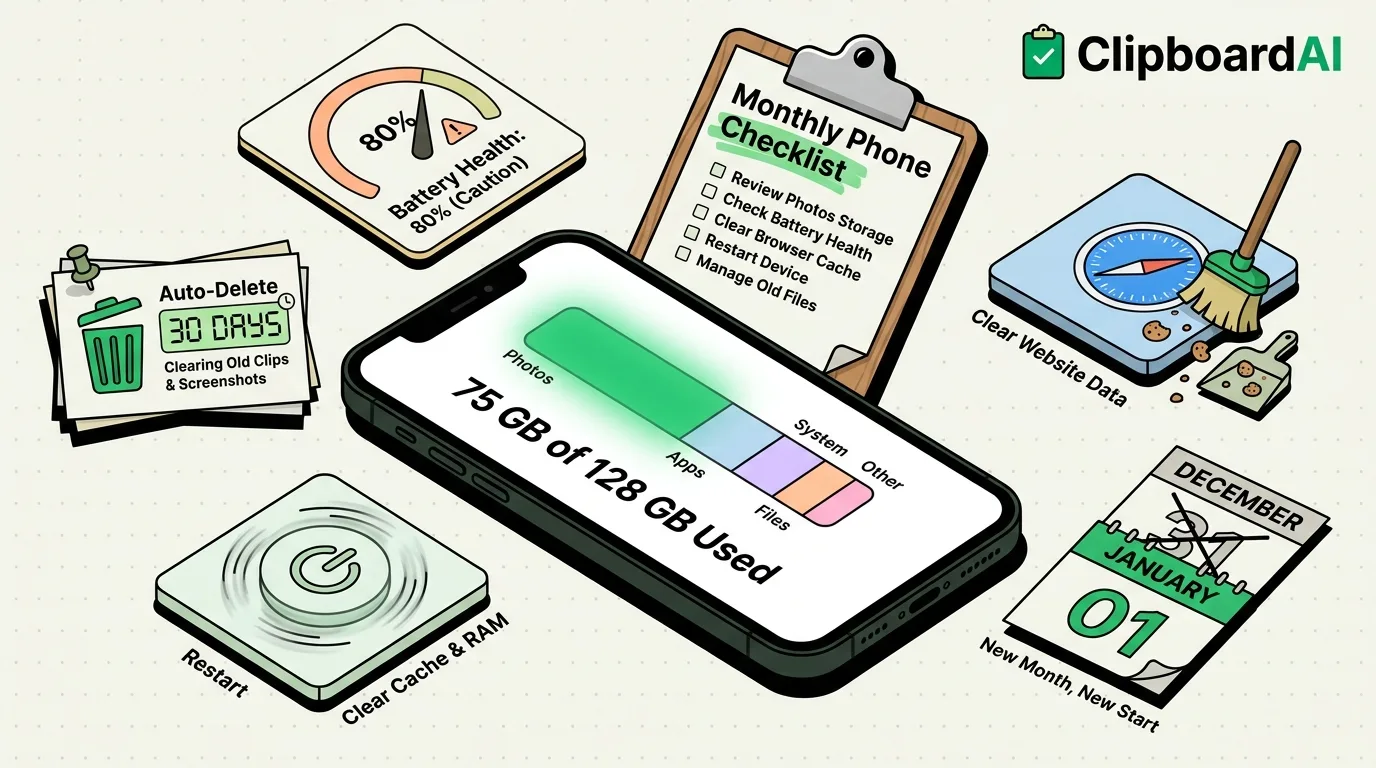
Most "iPhone running slow" complaints trace back to three things: storage creeping toward full, background apps piling up unused permissions, and clipboard/cache-style clutter nobody ever clears. None of it requires a factory reset. Fifteen minutes once a month covers it.
The Monthly Checklist
| Task | Where | Why monthly |
|---|---|---|
| Check storage breakdown | Settings > General > iPhone Storage | Catches one app silently eating gigabytes (usually Photos, Messages, or a podcast app's cache) |
| Offload unused apps | Same screen, enable "Offload Unused Apps" | Removes the app binary but keeps your data, free storage with no real downside |
| Review battery health | Settings > Battery > Battery Health & Charging | Tracks maximum capacity degradation over time; below 80% is when most people notice slowdown |
| Clear Safari data for problem sites | Settings > Safari > Advanced > Website Data | A handful of sites usually account for most of the stored data; clear those instead of everything |
| Review clipboard/pasted-from banners | Settings > Privacy & Security > scroll to bottom for per-app clipboard access | Confirms no app is reading your clipboard without you noticing the paste banner |
| Update apps and iOS | App Store > profile icon, and Settings > General > Software Update | Security patches and the bug fixes that quietly resolve most "app keeps crashing" issues |
| Restart the phone | Hold side button + volume button, slide to power off | Clears accumulated background-process memory; genuinely fixes a surprising number of "acting weird" complaints |
Where Storage Actually Goes
The single biggest storage consumer for most people is Photos, specifically duplicate screenshots, burst-mode photos, and videos nobody has watched twice. Settings > General > iPhone Storage shows a "Recommendations" section near the top that surfaces the actual offenders on your specific phone, which is more useful than any generic advice, since it is different for everyone.
A smaller but common culprit: message threads with years of photos and voice memos attached. Settings > General > iPhone Storage > Messages shows this broken out separately.
The Clutter Nobody Thinks to Check
iOS itself does not keep clipboard history, so there is nothing to "clear" there by default; each new copy simply overwrites the last. But if you use a clipboard manager, its history is worth a monthly glance too, mostly to delete anything sensitive you copied and forgot about (a one-time code, a password you pasted somewhere). In ClipboardAI, this takes one swipe per item, or you can set Auto-Delete Old Clips (Settings inside the app) to clear anything older than 30 days, 60 days, 3 months, 6 months, or a year automatically, so it never becomes a monthly chore at all.
Frequently Asked Questions
How often should I restart my iPhone?
Once a week is a reasonable habit; once a month is the minimum if your phone has started feeling sluggish. It clears background memory buildup and is the single cheapest fix worth trying before anything else.
What's the fastest way to free up iPhone storage?
Open Settings > General > iPhone Storage and check the "Recommendations" section first. It is tailored to your actual usage and usually points to one or two apps responsible for most of the clutter, rather than requiring you to guess.
Does clearing Safari data delete my saved passwords?
No. Clearing website data (cookies, cache) under Settings > Safari > Advanced does not touch saved passwords, which live in iCloud Keychain and are managed separately under Settings > Passwords.