
The Short Version
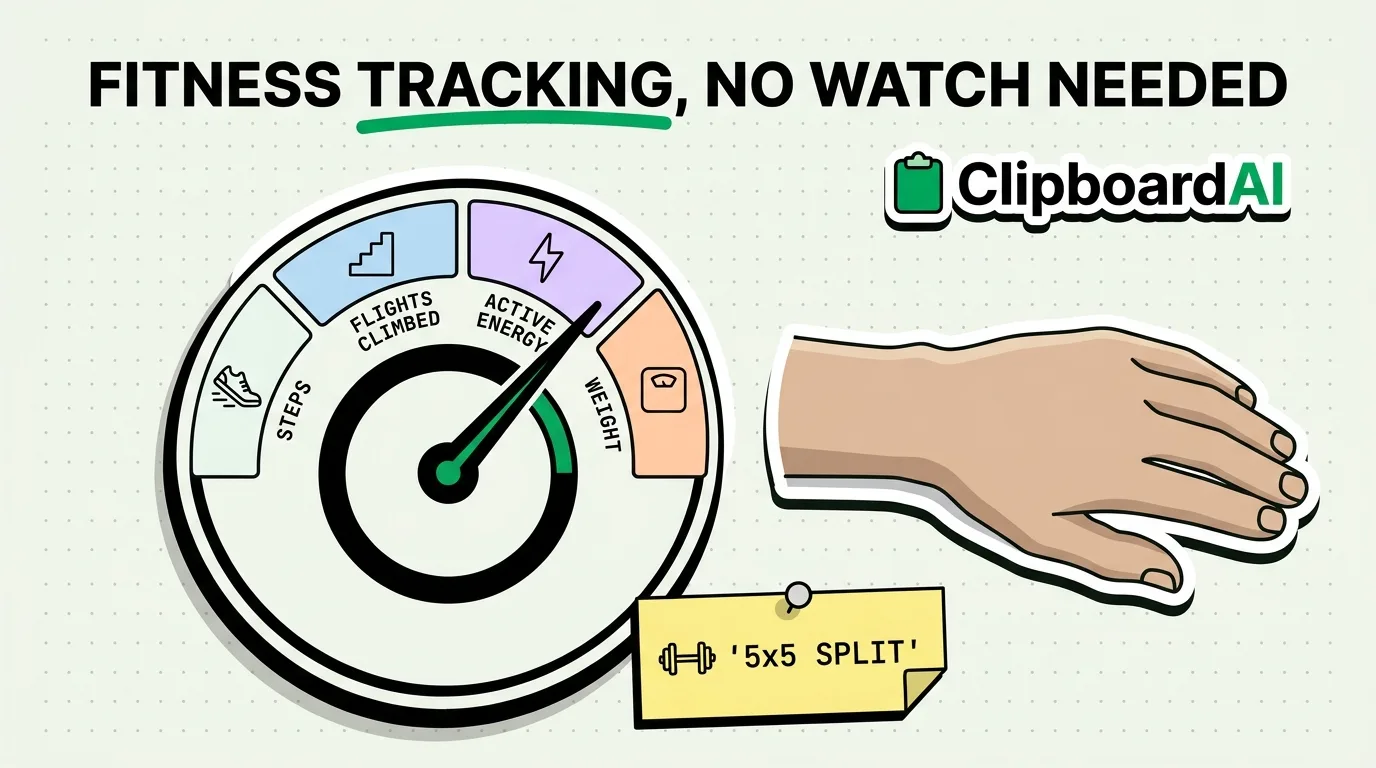
You do not need an Apple Watch to track fitness goals on iPhone. The Health app records steps, distance, and flights climbed automatically using the iPhone's own motion coprocessor, and you can log workouts, weight, and other metrics manually. This guide covers what iPhone tracks on its own, how to log the rest, and where a clipboard manager helps with the parts Health doesn't do well: reusing workout templates and macros.
What iPhone Tracks Without Any Setup
Open the Health app and check the Browse tab. Steps, walking/running distance, flights climbed, and walking steadiness are recorded automatically just by carrying your phone, no Apple Watch or manual logging required. This data comes from the iPhone's built-in accelerometer and gyroscope, not GPS alone, so it works even with Location Services off, though accuracy for distance improves with Location Services on.
Logging What iPhone Can't Detect Automatically
- Workouts: Health app > Browse > Activity > tap "Add Data" (or use a workout-logging app that writes to Health) to manually record strength training, yoga, or other activities the phone can't auto-detect from motion alone.
- Weight and body measurements: Health app > Browse > Body Measurements > Weight > "Add Data."
- Nutrition: iPhone does not track food intake natively in a meaningful way; this requires a third-party nutrition app that writes to HealthKit.
- Custom goals: Health app > Summary > edit your favorites to pin the specific metrics (steps, active energy, sleep) you're actively working on to the top of your dashboard.
Where a Clipboard Manager Actually Helps
The Health app is not built for reusing text, and that's exactly where manual tracking breaks down: typing the same workout structure, meal macros, or personal-record note repeatedly in the notes field of a workout-logging app. If you follow a repeatable routine (the same 5x5 lifting split, the same macro targets, the same warmup sequence), save it once as a pinned clip in ClipboardAI and paste it into your workout app's notes field instead of retyping the structure every session.
Common Problems and Fixes
Step count seems low or missing: Check Settings > Privacy & Security > Motion & Fitness > Fitness Tracking is enabled, and that the Health app itself has permission to access Motion & Fitness data.
Workouts from a third-party app aren't showing in Health: Open the third-party app's settings and confirm it has write permission to HealthKit (Settings > Privacy & Security > Health > [app name] > Turn on the specific data types).
Data looks duplicated across sources: This usually means two apps (or an app and an Apple Watch) are both writing the same workout type to Health. Check Health app > Browse > [metric] > Data Sources & Access to see which app is prioritized.
Frequently Asked Questions
Can iPhone track fitness without an Apple Watch?
Yes. iPhone automatically tracks steps, walking/running distance, and flights climbed using its built-in motion sensors, no Apple Watch needed. An Apple Watch adds continuous heart rate and automatic workout detection, which iPhone alone cannot do.
Does iPhone track calories burned?
iPhone estimates active energy from step count and motion data, though this is less precise than an Apple Watch's heart-rate-informed estimate. For workouts, logging them manually in Health or a connected app improves the estimate for that session.
Why isn't my workout data syncing to Health?
Check that the specific app has permission under Settings > Privacy & Security > Health for each data type (workouts, active energy, etc). Permissions are granted per data type, not as a single blanket toggle.