
The Short Version
Most iPhone email advice repeats "unsubscribe and use folders." The settings that actually change your daily volume live one level deeper: swipe-action assignment, VIP contact routing, and notification thresholds. Below is the exact settings path for each, plus where a clipboard manager removes the specific friction of retyping the same replies.
The Settings Most People Never Touch
| Setting | Path | Why it matters |
|---|---|---|
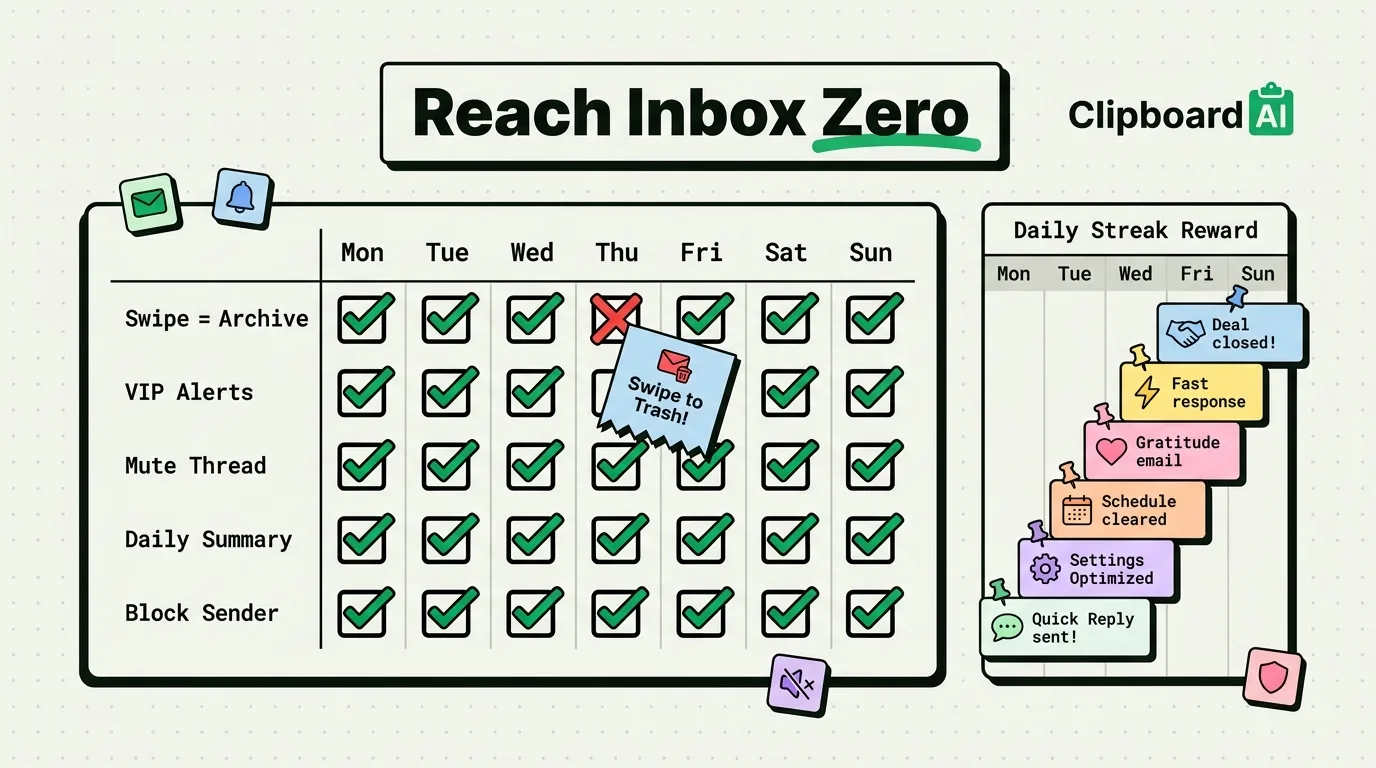
| Swipe actions | Settings > Mail > Swipe Options | Default left-swipe is "Trash." Most power users remap it to "Archive" so an accidental swipe does not lose mail, and set right-swipe to "Flag" for one-tap deferral. |
| VIP contacts + custom alerts | Mail app > tap a sender's name > "Add to VIP" | VIP senders get a dedicated inbox and can be given a distinct notification sound, so only messages from people who actually need a fast reply interrupt you. |
| Mute Thread | Long-press a message > "Mute" | Stops notifications for a specific reply-all thread without leaving the whole conversation or the sender's future emails. |
| Notification summary | Settings > Notifications > Mail > Scheduled Summary | Bundles non-urgent mail notifications into one or two daily digests instead of a ping per message. |
| Blocked Sender + junk filtering | Long-press sender > "Block This Contact" | Different from Unsubscribe: this suppresses future mail from that address system-wide across Mail, Messages, and FaceTime. |
The Repeated-Reply Problem
Settings solve routing and notifications, but they do not solve the most time-consuming part of email on a phone: typing the same answer to five different people in a week. That's a clipboard problem, not a Mail-app problem. Save your 3-5 most common replies (a status update, a scheduling response, a policy line) as pinned items in ClipboardAI, then paste instead of retype. On iPhone, switch to the ClipboardAI keyboard inside Mail's compose view (requires enabling Full Access once in Settings > General > Keyboard); on Mac, Cmd-Shift-V opens the floating panel over Apple Mail, Gmail in a browser, or Outlook.
Common Mistakes
- Turning off all notifications instead of triaging them. This just delays the anxiety of an unread badge; VIP + Scheduled Summary gets you the same calm without missing something that actually needs same-day attention.
- Using "Mark as Unread" as a to-do list. It works for a day, then the unread count becomes meaningless because half of them are "handled but I forgot to mark it read." Use Flag or Remind Me Later instead, which are visually distinct from unread.
- Archiving instead of unsubscribing from recurring newsletters. Archive just moves today's copy; next week's email lands in the inbox again. Unsubscribe or filter to a folder for anything recurring you do not act on.
Frequently Asked Questions
How do I stop losing emails I swipe by accident?
Change the left swipe action from Trash to Archive in Settings > Mail > Swipe Options. Archived mail is still searchable and recoverable; trashed mail gets permanently deleted after Mail's retention window.
What is the difference between Mute and Block in Mail?
Mute silences notifications for one specific thread you are still part of. Block prevents all future mail from that sender from generating notifications or appearing prominently, system-wide.
Can a clipboard manager actually reduce email time?
It reduces the specific time spent retyping repeated answers, since pasting a saved reply is faster than typing it from memory each time. It does not reduce total email volume; that is a job for filters, unsubscribing, and VIP routing.