
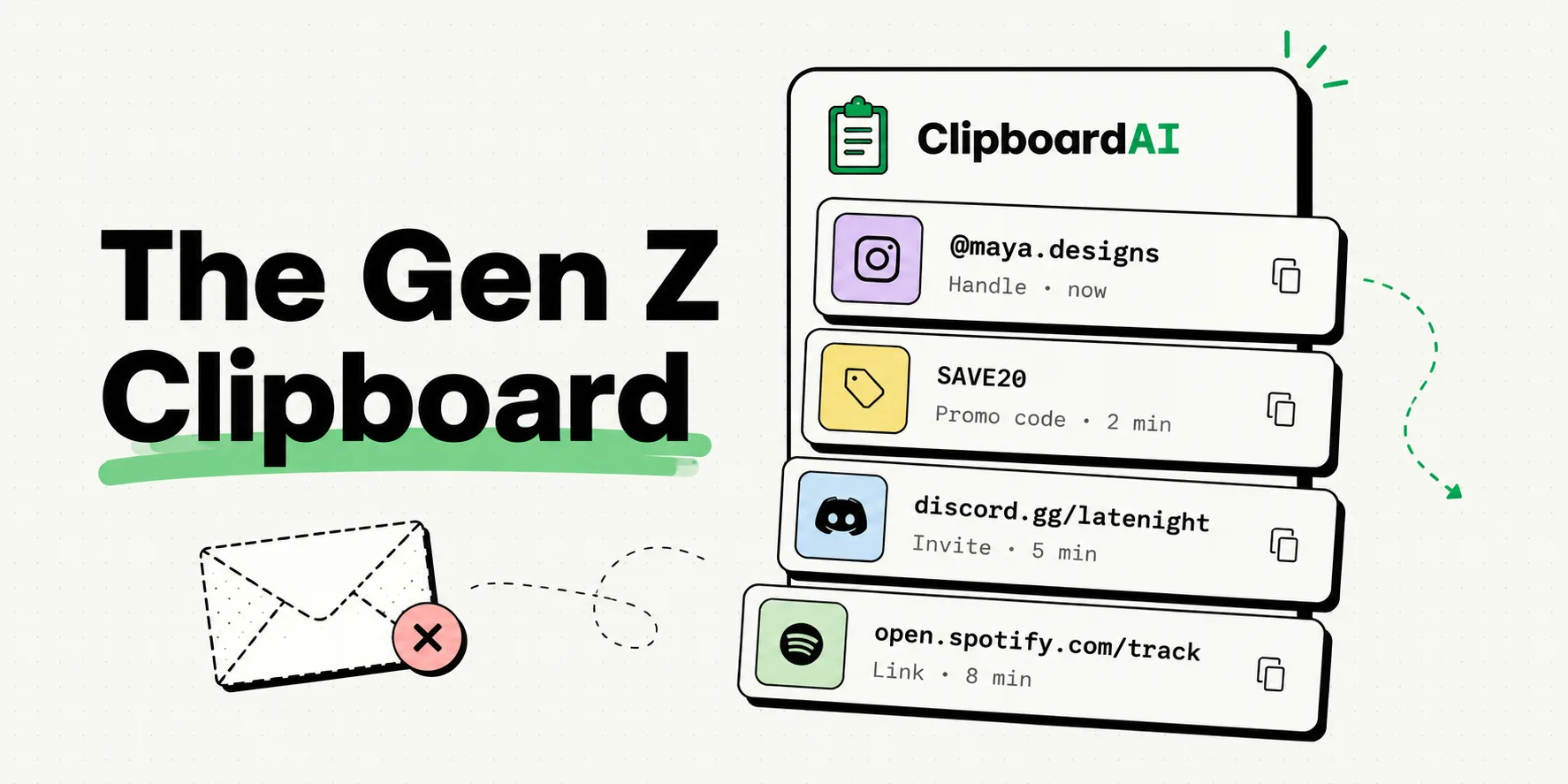
Gen Z copy-paste habits focus on speed, multimodal sharing, and bypassing manual text input by treating the clipboard as a transient scratchpad for visual assets, hex codes, and deep links. Unlike older generations who copy-paste primarily to transfer long-form documents or emails, younger users copy content to remix media, coordinate across social networks, and research visual projects. Using clipboard managers allows them to maintain a running history of these diverse assets without breaking their digital flow.
The Shift Away from Email
To a younger smartphone user, email feels like a legacy communication channel. It is slow, overly formal, and associated with institutional obligations - like university announcements, utility bills, or corporate updates. It is not where daily communication happens.
Instead, interactions take place in DMs, group chats, and community servers. When information needs to move between these spaces, the clipboard serves as the primary bridge.
Because they do not rely on standard mail threads to store information, Gen Z treats their phone’s temporary memory as an active, fluid storage drive. They copy assets from one platform, paste them into another, and compile media arrays on the fly.
Generation Cohorts and Copy-Paste Habits
Our team studied the clipboard patterns of different age groups. The comparison table below highlights how the purpose of the copy-paste action has evolved:
| Generation | Primary Communication Channel | Most-Copied Clipboard Items | Clipboard Philosophy | Typical Tool Stack |
|---|---|---|---|---|
| Boomers / Gen X | Email, Phone Calls | Phone numbers, paragraph blocks, corporate URLs | Utility: Moving text from page to form. | System Clipboard |
| Millennials | Email, Slack, iMessage | Work spreadsheets, calendar invites, meeting URLs | Productivity: Managing office data flow. | Notes App + Cloud Sync |
| Gen Z | Discord, TikTok DMs, iMessage | Promo codes, TikTok audio links, social handles, hex codes | Social / Creation: Assembling and sharing media. | ClipboardAI Keyboard |
Pinned Snippets: Gen Z Digital Toolkit
If you are using your phone to manage social accounts, coordinate group projects, or share media, keep these templates pinned in your ClipboardAI keyboard:
1. Social Profile Exchange Kit
Hey! Here are my accounts:
- Insta: @[Username]
- TikTok: @[Username]
- Discord: [Username]#[Tag]
- Portfolio: [URL]
2. Group Project Invite Block
Hey team, here are the links for our project:
- Shared Canva Board: [Link]
- Discord Channel: [Link]
- Project Folder: [Link]
3. The Referral Exchange Block
Use my referral code [CODE] to get [Discount]% off on [Store Name]! Link: [Store URL]What They Copy Instead: The Social Media Asset Class
Because email is not the default, the items sitting in a Gen Z clipboard are highly dynamic. Here is what is actually moving through their device memory:
1. The Promo Code Economy
Online shopping is highly integrated into social feeds. Promo codes, discount links, and affiliate keys are constantly shared in video bios and comment sections.
Younger shoppers copy these codes, pool them in their clipboard history, and test them sequentially at checkout. A clipboard manager allows them to capture these codes as they browse and apply them during checkout without app backtracking.
2. Audio Track and Template Linking
With the rise of short-form video editing, audio tracks and video templates have become structured currencies.
Creators copy trending TikTok audio links, CapCut transition templates, and font asset files to their clipboard. They then paste these links into planning documents or directly into mobile editing suites to align their media assets.
3. Verification Codes and Pins
Multi-factor authentication (MFA) codes are a constant part of logging into modern platforms. Rather than typing the six-digit code manually, Gen Z users copy the SMS or authenticator code and paste it.
ClipboardAI automatically identifies these verification pins, isolates them from the message text, and surfaces them at the top of the history list for fast insertion.
Technical and Platform Boundaries
Using the clipboard as a primary data drawer presents several device limitations:
- iOS Sandboxing Protections: Apple blocks third-party apps from reading your clipboard automatically in the background. To use a clipboard manager, you must copy items manually or paste them using a custom keyboard extension that you have authorized in your settings.
- Transient Media Support: Not all apps support pasting images or audio files directly from the clipboard. If you copy a video asset, some messaging apps will convert it to a link rather than pasting the raw file.
- Clipboard Overwriting: Because iOS only holds one item at a time natively, copying a new handle will immediately erase the discount code you copied two minutes prior. You must use a tool like ClipboardAI to prevent this data loss.
Frequently Asked Questions
Why does Gen Z prefer clipboard history over saving notes?
Saving everything in a notes app requires manual effort - you have to open the app, create a note, write a title, and paste the content. A clipboard manager saves items automatically in the background, eliminating the setup friction.
Can ClipboardAI read my passwords?
No. ClipboardAI ignores inputs copied from password managers like 1Password and Apple Keychain. It also has filters designed to block sensitive text strings from being logged.
How do I paste an image from my clipboard history?
Open the ClipboardAI keyboard, tap the image icon in your history list, and press paste in the text field. Note that the destination app must support rich media paste actions.
Is Universal Clipboard safe to use?
Yes. Apple's Universal Clipboard uses end-to-end encrypted iCloud handoffs. However, if you share an Apple ID with another device, your copies will automatically sync to their screen, which can present a privacy concern in shared households.