
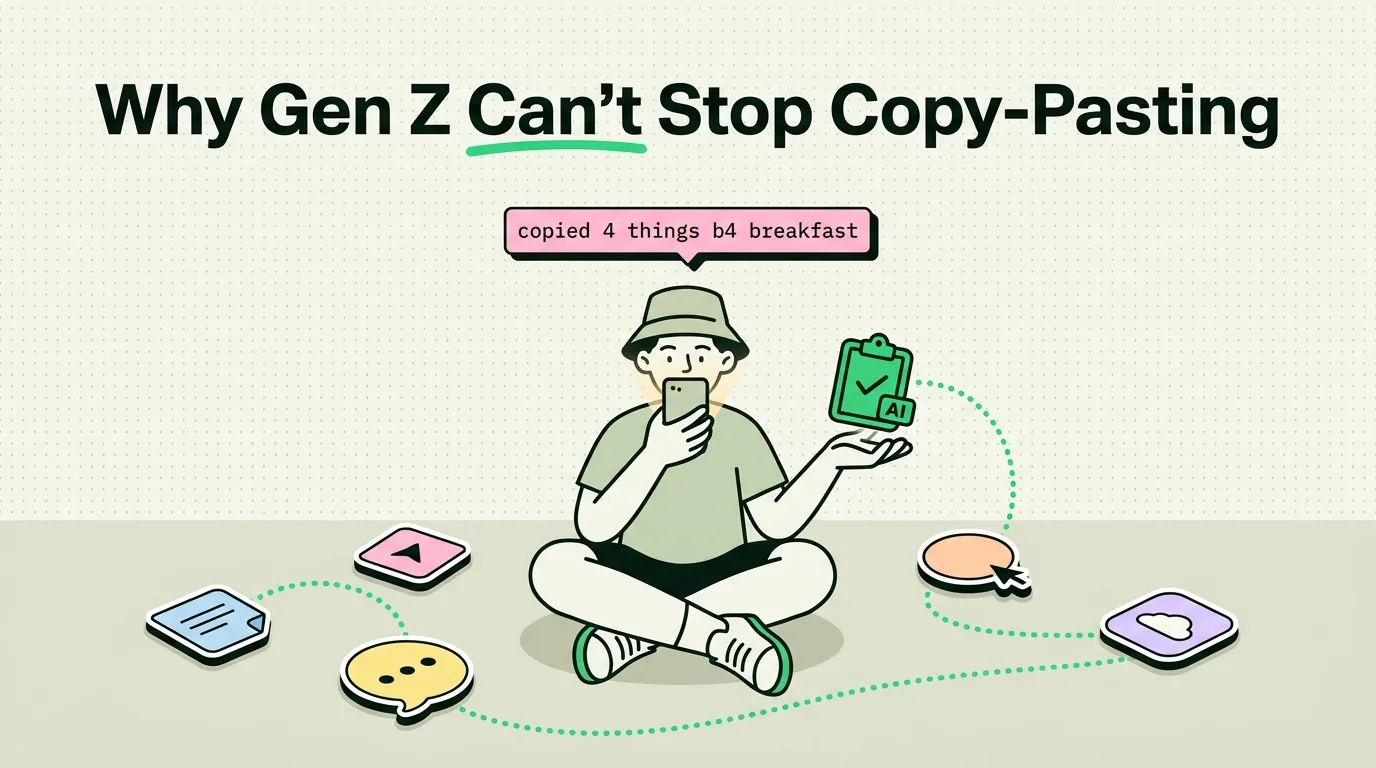
Gen Z users are adopting clipboard managers like ClipboardAI because their multi-app iPhone workflows - spanning TikTok, Discord, CapCut, and Reddit - demand a clipboard that stores more than one item. Standard iOS only saves your single most recent copy, creating massive friction when switching apps. By using a clipboard manager with a custom keyboard extension, Gen Z creators and students can copy multiple assets, text blocks, and links in rapid succession, pasting them dynamically without constant backtracking.
Bypassing the Desktop Paradigm
For older generations, productivity was defined by the desktop computer. It was about sitting at a desk, opening a browser with multiple windows, and managing files in folder trees.
Gen Z has largely bypassed this desktop model. Their primary computer is their smartphone, and their productivity is mobile-first, high-speed, and multimodal. They do not write long essays in single sittings; they assemble content. They compile quotes, grab video timestamps, pull hex codes for graphic templates, and share deep links across Discord and Reddit.
In this high-frequency app-switching environment, Apple’s native clipboard - which has held only a single item since 2007 - is a massive bottleneck. Every time you copy a new link, your previous copy is erased. This limitation is what drove the surge in mobile clipboard managers.
The Creator Multi-App Workflow
To understand how Gen Z uses clipboard managers, you have to look at how they create content. A typical video edit involves pulling assets from multiple sources and dropping them into a mobile editor like CapCut.
Multi-App Creator Workflow Matrix
Our team analyzed the daily workflows of mobile creators. The details below show how a clipboard history app eliminates the need to constantly bounce between applications:
| Asset Type | Source Application | Destination Application | Without Clipboard Manager | With ClipboardAI |
|---|---|---|---|---|
| Video Script Hook | Apple Notes / Google Docs | CapCut Text Overlay | Switch apps, copy hook, switch back, paste. | Copy hook, keep writing, paste from history later. |
| Brand Color HEX | Safari / Figma | Canva Mobile | Copy hex, open Canva, paste, return to browser for next color. | Copy all palette hex codes at once; paste sequentially from keyboard. |
| Audio Timestamp | TikTok / YouTube | Notion Script Tracker | Copy link, write note, copy time, merge manually. | Copy video link and note timestamp; both saved in one history list. |
| Discount Code | Email / Brand Site | Linktree / Social Bio | Copy link, paste in bio, return to site to copy promo code. | Copy link and code back-to-back; paste from clipboard widget. |
4 Rules for a Distraction-Free Creator Phone Setup
If you want to speed up your mobile workflow, use this checklist to set up your iPhone for high-frequency creation:
- Install a Custom Keyboard Extension: Go to Settings > General > Keyboard > Keyboards and add ClipboardAI. Allow Full Access to enable pasting your history directly inside apps like iMessage, Discord, and Instagram.
- Set Up Home Screen Clipboard Widgets: Place a medium ClipboardAI widget on your secondary home screen. This lets you monitor your recent copies and pin important templates without launching the main app.
- Create a "Media Workspace" Home Page: Group editing tools (CapCut, Lightroom), communication hubs (Slack, Discord), and your clipboard manager on a single screen page. Hide all social feeds during your creative blocks.
- Utilize Three-Finger Gestures: Practice the iOS three-finger pinch to copy and three-finger spread to paste. It is significantly faster than waiting for the tap-and-hold context menu to appear.
Why Apple's Native Clipboard Fails the Test
Apple’s native clipboard is designed for single-tasking. It assumes you copy one item, navigate immediately to a target app, and paste it. If you copy a shipping tracking number, get distracted by an incoming iMessage, and copy a verification code, the tracking number is lost forever.
This model does not match how younger users navigate their phones. Gen Z treats their clipboard as a temporary workspace - a digital tray where they can store three or four items simultaneously.
By running ClipboardAI, your phone gains a temporary memory buffer. You can copy a reference quote from a Safari window, copy the URL of the source article, and copy the author's name. When you open your drafting app, you can paste all three components in order.
The Privacy Trade-offs of Clipboard Access
Because clipboard history managers record everything you copy, using them requires clear privacy rules:
- Local vs. Cloud Storage: Many free clipboard managers upload your history to their servers to support syncing. This is a massive risk if you copy sensitive details. Ensure your clipboard app stores history locally on your device's storage.
- Excluding Sensitive Fields: A secure clipboard manager must recognize secure input fields (like passwords from Bitwarden or 1Password) and automatically block them from being recorded in your history.
- Manual History Wiping: Develop a habit of wiping your clipboard history weekly. If you copy personal information like a home address or a phone number, swipe to delete it from your archive immediately.
Frequently Asked Questions
Why doesn't iOS have a built-in clipboard history?
Apple prioritizes privacy sandboxing. By limiting the clipboard to a single item, Apple prevents apps from quietly reading what you copied in other applications. However, this creates a major limitation for productivity, which third-party keyboard extensions solve.
Does ClipboardAI track my keystrokes?
No. ClipboardAI only records items that you explicitly copy (using the system "Copy" action or copy gestures). Unlike logging keyboards, it does not record your active typing or keystrokes.
How do I use the ClipboardAI keyboard?
When typing in any app, tap the Globe icon in the bottom left corner of your screen to switch to the ClipboardAI keyboard. Tap any snippet from your history list to paste it into the active text field.
Can I share copied items between my iPhone and iPad?
Yes. If you enable iCloud sync in the app settings, your clipboard history will sync across your Apple devices using your personal, encrypted iCloud account.