
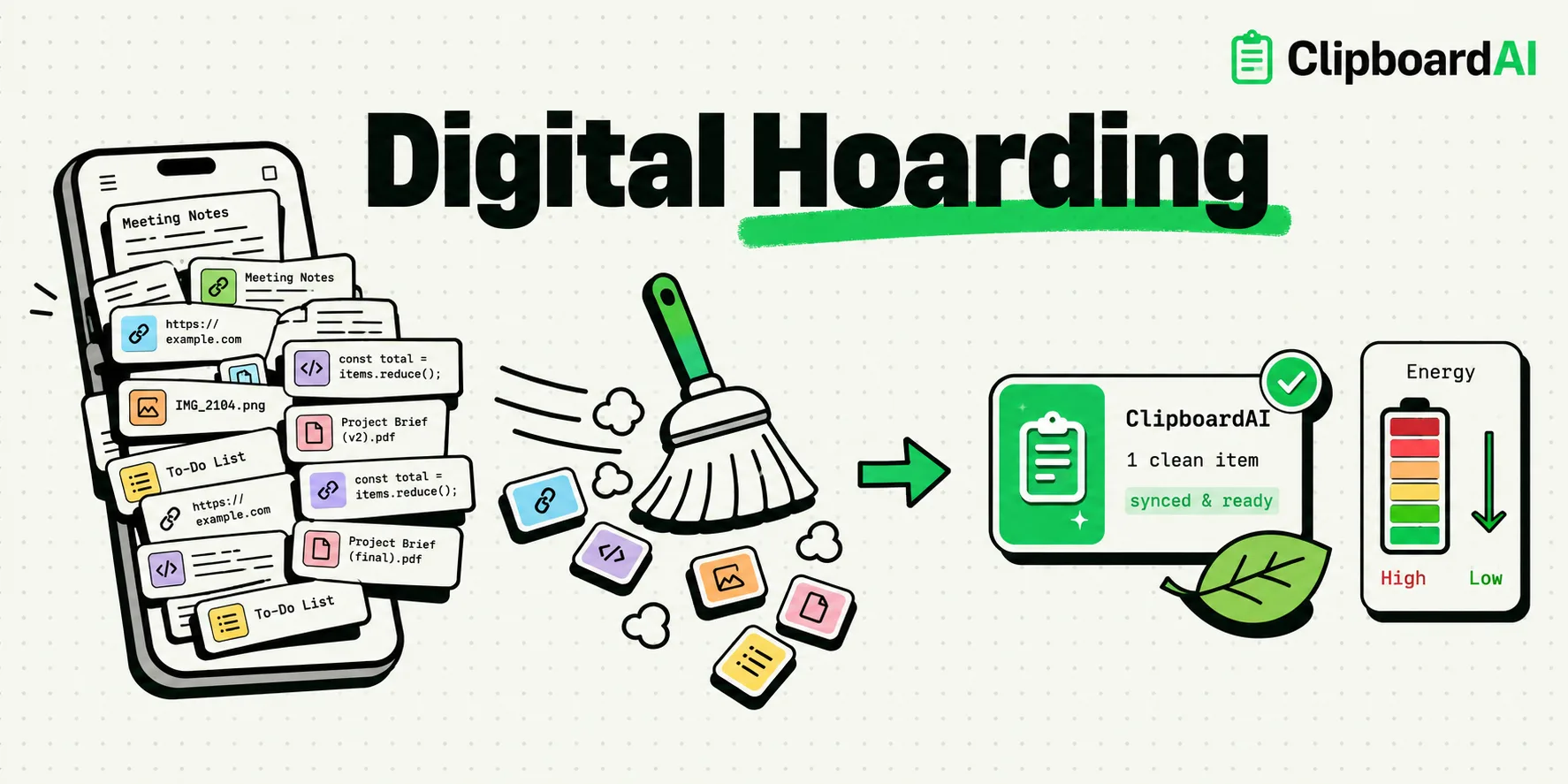
Digital hoarding - the practice of keeping thousands of unread emails, duplicate photos, and stale files in cloud storage - has a real, growing environmental cost. Cloud storage has a genuine but hard-to-pin-down energy footprint that varies enormously by provider, region, and how the data center is cooled and powered. Decluttering your devices and using local-first clipboard managers like ClipboardAI reduces continuous server pings and active cooling demands, directly lowering your personal carbon footprint.
The Hidden Power Grid Behind Your Screen
Every time we snap a photo we will never look at again, or copy and paste a long piece of text that syncs across five devices, we trigger a chain reaction in a data center. These server farms operate day and night. They require enormous amounts of electricity to keep the processors running and even more energy to power the cooling systems that prevent them from overheating.
Many of us think of the cloud as an weightless, invisible place. In reality, it is a vast network of physical buildings packed with metal racks, flashing lights, and loud cooling fans. If the global IT sector were a country, it would rank among the top electricity consumers worldwide. By hoarding unnecessary data, we are keeping those servers active, forcing them to spin disks, run backups, and consume energy for files we have completely forgotten about.
Cloud vs. Local Storage: The Carbon Calculus
When we compare how different tools handle our data, the difference between cloud-dependent apps and local-first software becomes clear.
Many clipboard history apps sync every single snippet you copy to their proprietary cloud servers. If you copy a recipe, an address, or a long email block, that text is sent over Wi-Fi or cellular networks, processed by a server, written to a remote database, and then pushed to your other devices. This process repeats hundreds of times a week.
In contrast, a local-first tool like ClipboardAI stores your clipboard history in an on-device SQLite database. The data stays in your phone’s memory, bypassing the need for remote server computing and cooling.
Energy and Carbon Impact Comparison
The structural difference between local storage and cloud-dependent sync loops comes down to how much continuous network activity and server infrastructure each approach requires. The table below illustrates the relative resource drain, in qualitative terms, since precise per-gigabyte energy and carbon figures vary widely by provider, region, and hardware and are not something we can measure directly:
| Storage Type | Energy Source | Network Transmission | Continuous Server Cooling? | Relative Energy Footprint |
|---|---|---|---|---|
| On-Device SQLite (Local) | iPhone Battery | None (Offline) | No | Minimal - no server involvement |
| Cloud Sync App | Power Grid | Continuous (Wi-Fi/5G pings) | Yes | Higher - depends on provider's grid mix |
| iCloud Universal Sync | Apple Renewables | Low (Differential Sync) | Apple Data Centers | Lower impact - offset by renewable-powered infrastructure |
5 Steps to Clean Up Your Digital Footprint
Decluttering your iPhone is one of the easiest ways to reduce your digital energy demand. Use this checklist once a month to keep your device clean:
- Purge Your Screenshots: Screenshots are often temporary. Search "Screenshots" in your Photos app, select all, and delete the ones you no longer need.
- Clean Out the Clipboard History: Set your clipboard manager to automatically wipe history items older than 30 days (ClipboardAI's shortest available Auto-Delete Old Clips window). Keeping a backlog of copies from last month serves no purpose and uses memory.
- Empty Sent Email Attachments: We often forget that sent emails with large PDF attachments remain in the cloud indefinitely. Filter your sent folder by size and delete outdated files.
- Turn Off Auto-Backup for Apps You Don't Care About: Go to Settings > [Your Name] > iCloud > Manage Account Storage and disable backups for apps that do not contain critical personal data.
- Remove Duplicate Photos: iOS has a built-in "Duplicates" folder under Photos > Utilities. Merge these duplicates to reclaim cloud storage space immediately.
Why Local-First Utilities Help You and the Planet
We built ClipboardAI with a local-first philosophy. This design decision was made for privacy, but it has a significant environmental benefit.
Because your history is stored locally in your phone's memory, ClipboardAI doesn't need to communicate with a remote server every time you copy a word. This limits network data transfer, which is one of the most energy-intensive parts of smartphone usage. Running cellular radios (especially on 5G) consumes a notable amount of battery power. By keeping your clipboard operations offline, your phone uses less battery, which means you charge it less frequently, extending the lifespan of your hardware.
There are, of course, moments where you might want to share snippets between your iPhone and your Mac. ClipboardAI handles this using Apple's native iCloud framework rather than maintaining separate servers. Apple’s data centers run on 100% renewable energy, which means even when you do choose to sync, the carbon impact is kept as low as possible.
The Limitations of Going Local
While local-first storage is better for privacy and energy use, it does present some trade-offs:
- No Web App Access: You cannot log into a browser on a public computer and see your clipboard history. Your data stays on your physical device.
- Device Loss Risk: If you lose your iPhone and have not backed up your settings, your pinned snippets and local history will be gone.
- Storage Allocation: If you keep thousands of heavy text blocks or large images pinned in your clipboard, they will occupy a small portion of your iPhone's local flash storage.
Frequently Asked Questions
How does digital data use electricity?
Every piece of data must be stored on physical hard drives or solid-state drives that require electrical currents to read and write. Furthermore, data centers must run active air conditioning systems 24/7 to prevent these drives and processors from overheating.
Is cloud storage worse for the environment than local storage?
Yes. Cloud storage requires continuous network transmission, constant hardware power, and active cooling systems. Local storage on your iPhone only consumes tiny amounts of power from your battery when you actively read or write a file.
How does ClipboardAI handle sync safely?
ClipboardAI uses Apple's secure iCloud database keys. This means your data is encrypted using your personal Apple credentials and synced directly through Apple’s green energy infrastructure, completely bypassing third-party servers.
Can deleting old emails actually help the environment?
Yes. Millions of people storing thousands of old, spam, or promotional emails means data centers must keep storage drives running to preserve them. Deleting these files allows data centers to spin down unused hardware and reduce power draw.