
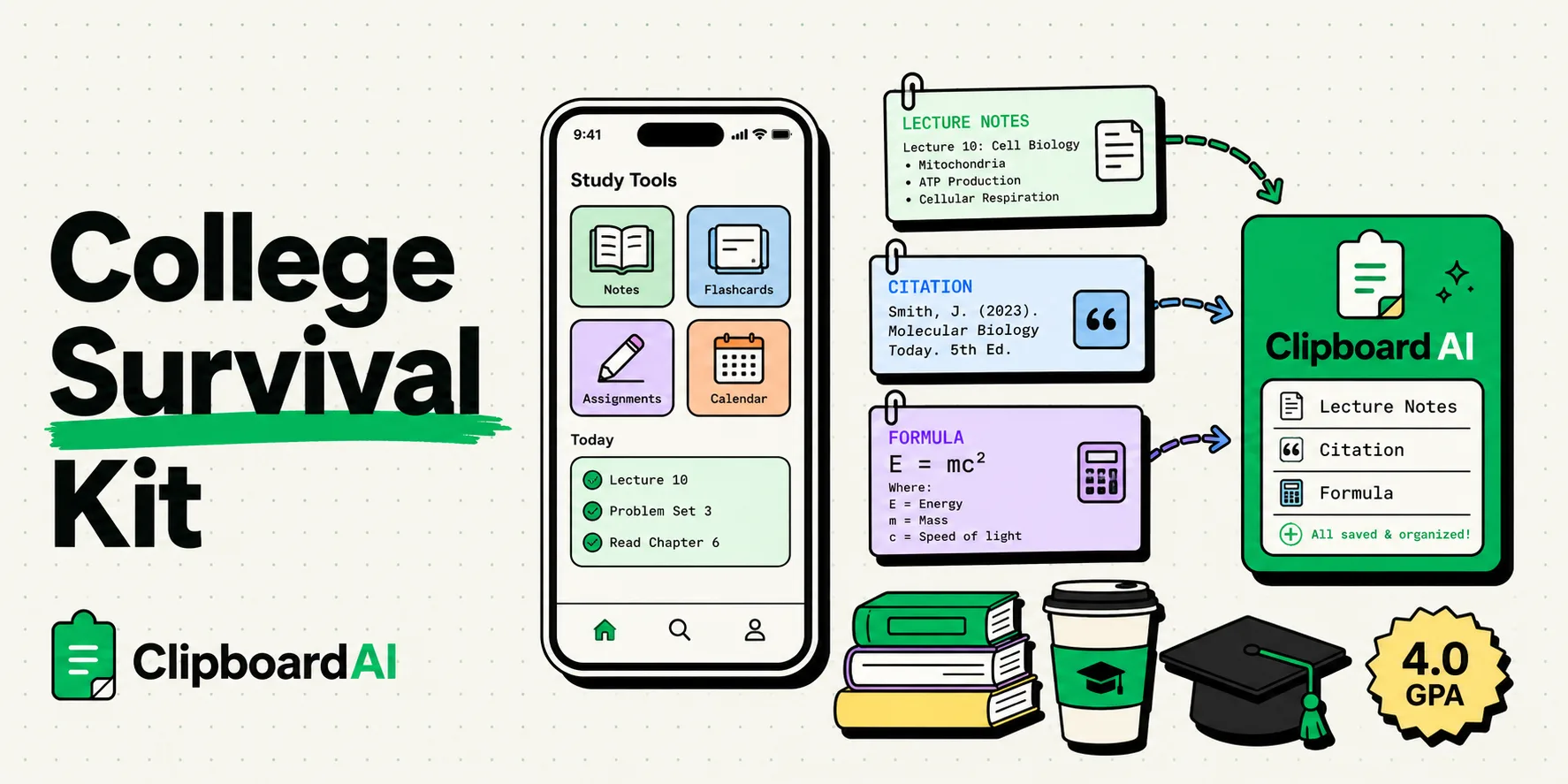
To boost your academic productivity and maintain a high GPA, optimizing your iPhone with a dedicated clipboard manager like ClipboardAI is the ultimate survival hack. Rather than losing research quotes, essay citations, study schedules, and professor office hours to iOS's single-item copy limit, a persistent clipboard history keeps your academic references instantly pasteable across Notion, Google Docs, and study apps, eliminating hours of repetitive typing every semester.
Here is an actionable guide to setting up your iPhone for high-volume studying, writing research papers on the go, and organizing your campus schedule.
The Friction of Mobile Academic Research
University coursework requires constant data collection. Whether you are drafting a history paper, working through biochemistry problems, or collaborating on a group project, you are continually copying and pasting definitions, citations, URLs, and assignment details.
Consider the standard writing process on mobile:
- You find an academic paper on Safari and copy a key quote for your essay.
- You open your drafting document in Google Docs or Notion and paste it.
- You toggle back to Safari to copy the source's name and publication date.
- You copy that detail. The quote you copied earlier is now gone from your active memory.
- If you need to quote a different paragraph from the same page, you have to go back, scroll, re-select, and repeat the loop.
This constant back-and-forth toggling breaks your focus. Cognitive science studies show that context switching degrades comprehension and speed. A clipboard manager acts as your research container, saving every quote, link, and citation card in order so you can paste them in bulk when writing.
Required Value Artifact: The College Student's Clipboard Toolkit
Pin these academic templates in your clipboard manager to write essays faster, schedule professor emails, and organize study group invites.
1. Citation Reference Scratchpad
Keep this structure pinned so you can log citation variables as you read, rather than compiling them at the last minute:
Source Title: [Title of Book/Paper]
Author(s): [Names] | Pub Date: [Year]
Journal/Publisher: [Name] | Page Range: [Pages]
Quote: "[Pasted Quote]"
URL: [Link]
Citation Status: [Need to format MLA/APA/Chicago]
2. The Professor Office Hours Request Block
Do not type email greetings from scratch. Customize this template block and keep it pinned:
Subject: Meeting Request: [Course Number] - [Your Name]

Dear Professor [Last Name],

I hope your week is going well.

I have a question regarding [Topic/Assignment Name] from class, and I'd like to drop by during your office hours. Are you available to meet on [Date] at [Proposed Time]? Alternatively, I can meet during your scheduled hours on [Day of Week].

Thank you for your time, and I look forward to speaking with you.

Sincerely,
[Your Name]
Student ID: [Your ID Number]
3. Study Group Planning Format
Quickly dispatch details to group chat members:
📚 STUDY SESSION: [Course Name]
Date: [Date] | Time: [Start Time] - [End Time]
Location: [Library Study Room Number / Zoom Link]
Focus Area: [Topics to Review, e.g., Midterm Prep]
Materials to Bring: [Laptops, Study Guides, Flashcards]
Comparison: Campus Study Workflows
Here is how note-taking workflows change when integrating a clipboard history manager:
| Study Task | Standard Mobile Workflow | ClipboardAI Workflow |
|---|---|---|
| Gathering quotes for essays | Copy one sentence, switch apps, paste, switch back. | Copy 10 quotes in a row while reading. Paste them all into your outline at once. |
| Filing lecture coordinates | Scroll through the class syllabus PDF to find office hours or classroom numbers. | Keep syllabus details pinned in your clipboard history database for instant reference. |
| Sharing study resources | Email yourself links one by one to open on your laptop later. | Use Universal Clipboard to copy links on your phone and paste them directly on your Mac. |
| Managing reference material | Open multiple browser tabs that slow down your device. | Store reference links in a dedicated folder in your clipboard tray. |
Maximizing Your Study Sprint
By using a clipboard manager, we can refine the three core phases of the student workflow:
1. High-Speed Researching
When reading through PDFs or online textbooks, do not pause your reading flow to paste quotes. Read the material, select and copy every relevant sentence or data point back-to-back. ClipboardAI logs them chronologically. Once you finish the chapter, open your notes app and organize your collected clippings in one go.
2. The Universal Clipboard Bridge
Many students study with a dual-screen setup, using an iPhone for reading and a laptop for drafting. Apple's Universal Clipboard lets you copy text on your phone and paste it onto your laptop. By combining this with ClipboardAI, you keep a local backup of all transfers, ensuring you don't lose research if the handoff connection drops.
3. Quick Email Responses
When coordinating with class project members, you repeatedly send links, student ID numbers, and course schedule blocks. Keeping these strings pinned to your custom keyboard ensures you can drop them into group chats or emails in a single tap.
Honest Caveats: Security on Campus Networks
College students work in public spaces. Keep these security factors in mind:
- Public Wi-Fi Safety: Campus networks are public. If you use a clipboard manager that relies on unencrypted cloud sync, your copied data could be intercepted. The Fix: Ensure your clipboard database is encrypted locally and only syncs via secure cloud pathways.
- Sensitive Credentials: Do not copy passwords or portal access keys. Add your university portal login page to your clipboard manager's ignore list.
- iOS Background Limits: Remember that to register copies on an iPhone, you must open the ClipboardAI keyboard layout or launch the primary application after copying text in Safari or PDF reader apps.
Preparing Your Phone for the Semester
Set up your workspace before classes start:
- Download ClipboardAI on your Mac and iPhone.
- Enable the Keyboard Extension: Go to Settings, add the keyboard layout, and enable full access.
- Build Pinned Categories: Label folders
Syllabus Info,Paper Citations, andGroup Chat Snippets. - Build the Purge Habit: Purge your non-pinned history every month to clean up obsolete links and keep your app fast.