
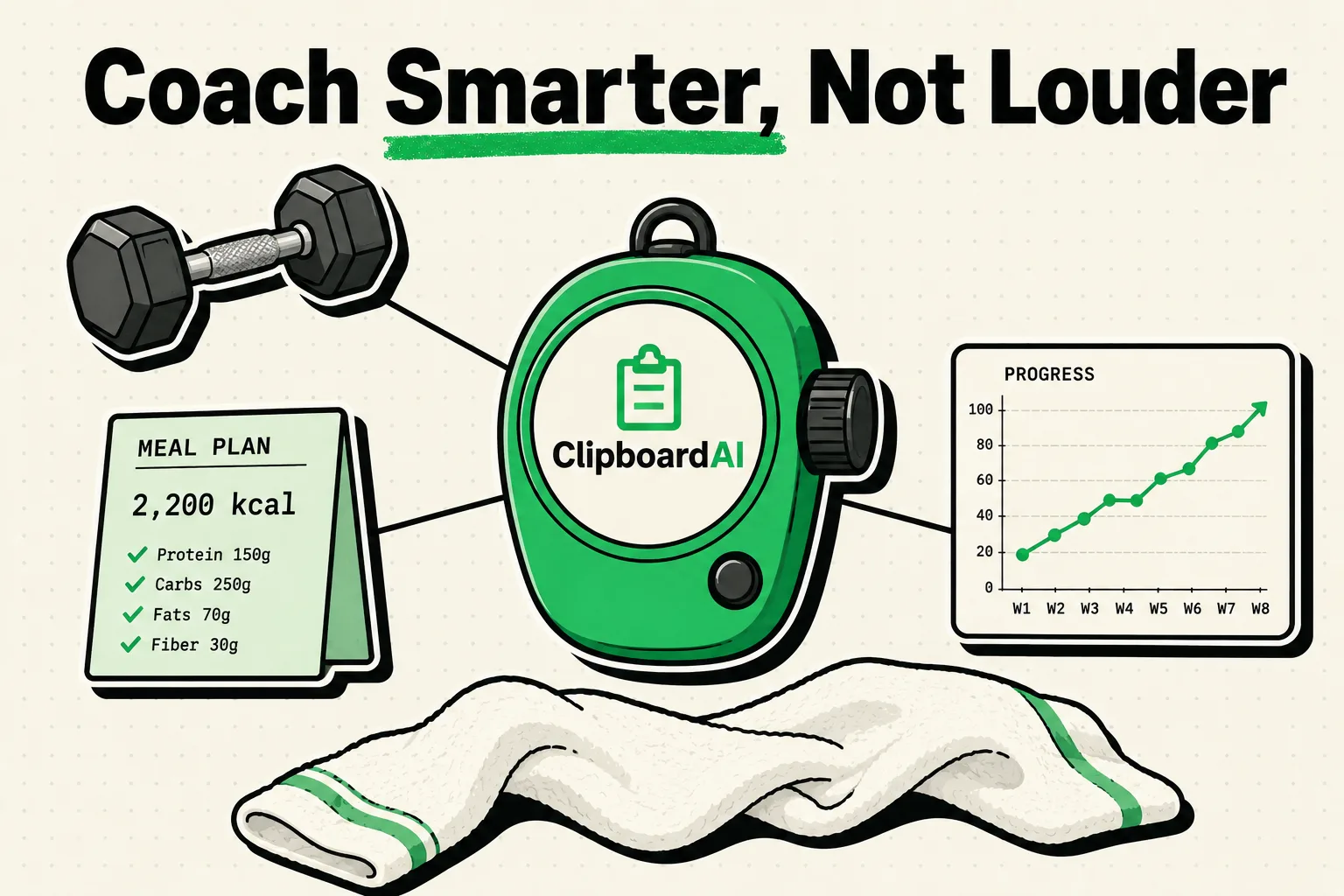
Personal trainers and fitness coaches can reclaim up to five hours a week by using a clipboard manager like ClipboardAI to store and send client workouts, diet guides, and scheduling messages. Instead of constantly typing repetitive rep ranges, warm-up schedules, and motivational check-ins on your iPhone, you can pin templates to a custom keyboard and insert them in seconds. This allows you to manage dozens of remote or in-person clients efficiently without spending your day glued to your screen.
The Administration Burden of Fitness Coaching
Fitness coaching is highly personal, but behind the scenes, it is an administrative challenge. On a daily basis, coaches handle client onboarding, workout tracking, nutrition updates, payment collection, and constant messaging across apps like WhatsApp, Instagram, email, and TrueCoach.
Because fitness coaching runs on repetition, a massive portion of your communication is recycled. You send the same macro breakdowns, explain the same stretching routines, and follow up with the same motivational check-ins. Copying and pasting this information from a generic Notes app is a slow, clunky workflow that breaks your focus between floor sessions.
A clipboard manager turns your keyboard into an active fitness vault, keeping your coaching templates ready to deploy in any messaging app.
Juggling Client Communication Across Platforms
If you coach 20 to 30 clients, you know they all communicate differently. Some prefer email, others text you on WhatsApp, and some only respond to Instagram DMs. This fragmentation makes it difficult to maintain consistency.
With ClipboardAI, your templates follow you. If a client on WhatsApp asks for a replacement exercise for the barbell bench press, you can pull up your pinned "Exercise Replacements" folder and send the alternatives instantly. If a remote client on Instagram needs their weekly check-in link, it is a single tap away. You do not need to launch your notes app, locate the link, copy it, switch back to Instagram, and paste it.
This speed keeps your response times low and your client engagement high, without requiring you to sit at a desk.
Value Artifact: Personal Trainer’s Snippet Kit & Custom Workout Templates
Below are copy-pastable templates designed specifically for personal trainers and online coaches. Copy these and pin them inside ClipboardAI to access them through your custom keyboard extension:
1. Client Check-In and Follow-up Templates
-- Weekly Client Check-In --
"Hey [Client Name]! It's check-in day. 🏋️♂️ Please submit your weekly check-in form by [Day] evening so we can make adjustments to your macros and training block for next week. Here is your submission link: [Form Link]. Let's keep the momentum going!"-- Missing Workout Follow-up --
"Hey [Client Name], noticed you missed your scheduled session in the app yesterday. Everything okay? Remember, consistency isn't about being perfect; it's about showing up even on the busy days. Let me know if we need to adjust your schedule this week!"2. Standardized Workout and Nutrition Structures
| Workout/Nutrition Goal | Pinned Snippet Text | Best Used For |
|---|---|---|
| Dynamic Warm-Up | "5 Mins Low-Intensity Cardio \| 10 Bodyweight Squats \| 10 Arm Circles (forward/backward) \| 10 Leg Swings (per leg) \| 5 Inchworms" | Standard warm-up script sent before strength workouts. |
| Upper Body Focus | "A1. Bench Press: 4x8 (RPE 8) \| Rest 90s\nA2. DB Row: 4x10 (RPE 8) \| Rest 90s\nB1. Overhead Press: 3x10 \| Rest 60s\nB2. Lat Pulldown: 3x12 \| Rest 60s\nC1. Lateral Raises: 3x15" | Quick-paste workout structure for remote messaging. |
| Macro Adjustment Guide | "Based on your check-in, we are adjusting macros to: Protein: [X]g \| Carbs: [Y]g \| Fats: [Z]g \| Daily Water: 3-4L. Keep tracking in MyFitnessPal and focus on fiber!" | Nutritional coaching updates after weekly check-ins. |
| RPE Scale Guide | "RPE (Rate of Perceived Exertion) Scale:\nRPE 10: Max effort (no reps left)\nRPE 9: 1 rep left in tank\nRPE 8: 2 reps left in tank\nRPE 7: 3 reps left in tank" | Explaining lifting intensity guidelines to new clients. |
Honest Caveats: What a Clipboard Manager Cannot Do
A clipboard manager is a communication and message-acceleration tool, not a dedicated coaching ecosystem. To keep your business running smoothly and securely, note these limitations:
- No Replacement for Dedicated Apps: ClipboardAI is not an exercise database or a client portal. It does not track workout compliance, generate graphs, or manage payment processing. Use dedicated coaching platforms (like TrueCoach, Trainerize, or TrainerRoad) as your primary system, and use ClipboardAI to speed up the communication layer between those apps.
- Keep Private Health Data Secure: Do not copy client medical histories, injury details, or personal physical assessments (such as specific body fat percentages or mental health updates) to your clipboard manager. Personal training isn't a HIPAA-covered activity, but treat this information according to your own client confidentiality expectations and practice-level privacy norms. Keep sensitive disclosures inside secure client files.
- Universal Clipboard Conflict: Universal Clipboard is Apple's own system-level Handoff feature, not something ClipboardAI builds or controls. If you share your Apple ID with a family member's iPad or Mac, anything you copy on your phone can sync across those devices via this Apple feature. Turn off Handoff / Universal Clipboard in your device's system settings if you want to avoid sharing temporary client check-in messages with home devices.
5-Minute Setup for Active Fitness Coaches
- Install ClipboardAI: Download the application on your iPhone from the App Store.
- Activate the Keyboard: Go to Settings > General > Keyboard > Keyboards > Add New Keyboard... and select ClipboardAI. Tap the entry and toggle on Allow Full Access.
- Set Expiration Rules: In ClipboardAI settings, use Auto-Delete Old Clips and choose the shortest available option (30 days). This ensures temporary messages and client questions are automatically purged while keeping your pinned templates safe.
- Organize Your Folders: Create categories like Warm-ups, Check-ins, and Links.
- Pin Your Templates: Copy the templates from the kit above, open ClipboardAI, and pin them to their respective folders. Switch to the ClipboardAI keyboard whenever you are texting clients to paste them in one tap.
Frequently Asked Questions
Can I share my pinned workout templates with other trainers?
Yes. Inside ClipboardAI, you can select your pinned clips and export them as a single text file. You can then email or message this file to a business partner or coaching assistant to import into their own keyboard.
Does ClipboardAI support images for exercise diagrams?
Yes. ClipboardAI preserves copied images. If you have a graphic detailing correct squat form or stretching positions, you can copy it once and paste it from your history list directly into client chat threads.
What is the quickest way to find a specific client's payment link?
Use the search icon on the ClipboardAI keyboard. Type "payment" or the client's name to instantly locate the link in your pinned records, without needing to open your browser or stripe invoice page.