
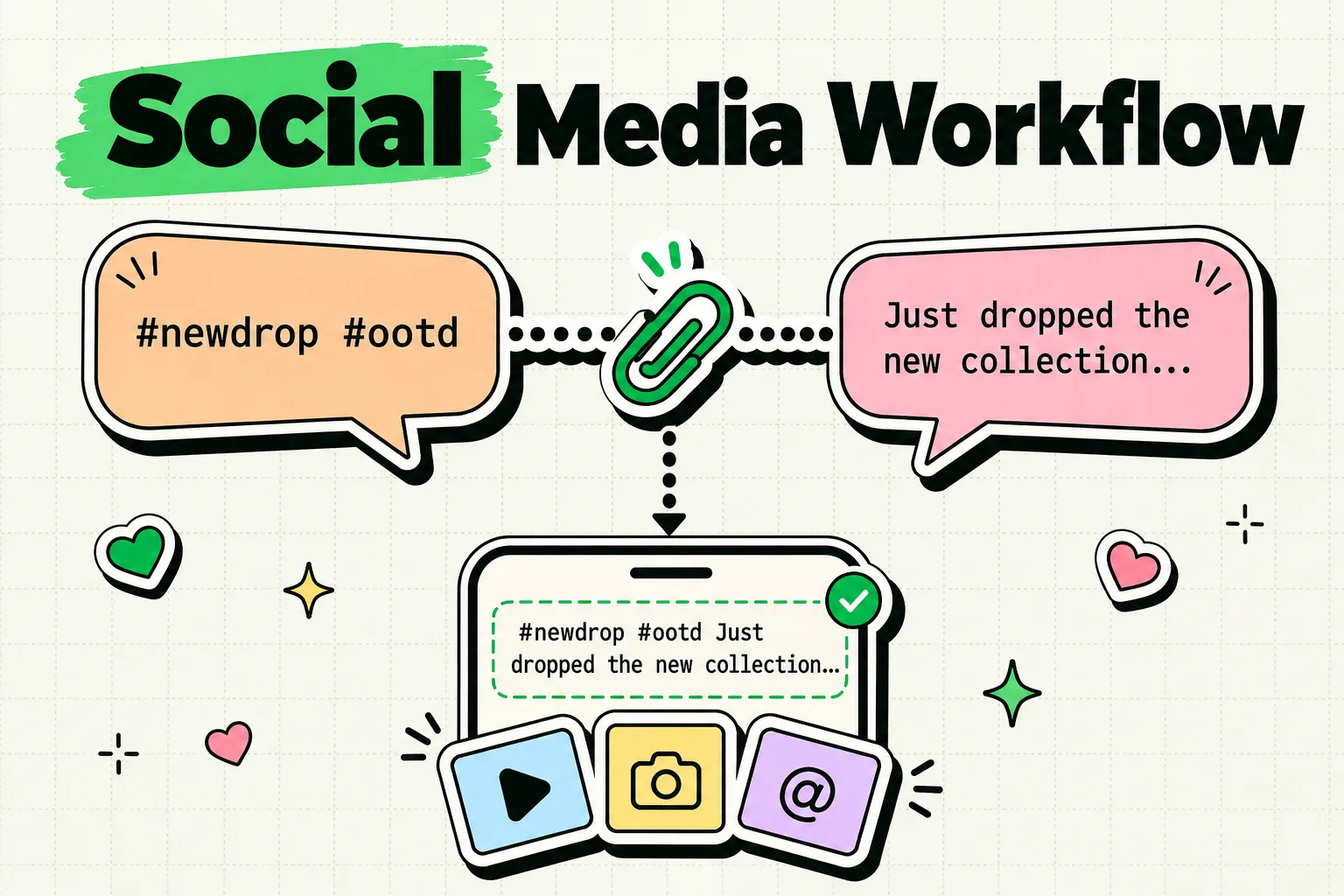
If you post to more than one platform, you already know the copy-paste failure mode: you copy your caption, switch to Instagram, remember you need hashtags first, go back to Notes, copy the hashtags (the caption is now gone), paste them, then go hunting for the caption again. A clipboard manager like ClipboardAI removes this by saving everything you copy instead of just the last thing, so your caption, hashtags, and links can all exist in your history at once.
This is not a general productivity pitch. Below is a concrete snippet system for the specific things creators copy every day: captions, hashtag sets, links, and DM responses.
What Actually Breaks Without Clipboard History
A single posting session for one piece of content can involve five or six separate copy actions: the caption, a hashtag group, a link-in-bio URL, a collaborator's @ mention, alt text, and a call-to-action. iOS holds one of these at a time. Every new copy silently deletes the previous one. There is no warning and no undo, so the failure is invisible until you paste and get the wrong thing.
A clipboard manager does not change how you write. It changes what survives after you copy something else.
Value Artifact: The Cross-Platform Posting Snippet Kit
Set these up once in ClipboardAI, pin them, and reuse them every time you post. This is the actual kit, not a description of one.
Hashtag sets (pin one per content type, rotate between them)
Product post:
#newproduct #shopsmall #handmade #smallbusiness #supportlocal

Behind the scenes:
#bts #behindthescenes #creativeprocess #studiolife #makersmovement

Tutorial:
#tutorial #howto #tips #diy
Save two or three variations of each set. Reusing the exact same tags on every post is a common reason accounts see reach drop off, so rotating between saved sets takes the same effort as pasting once.
DM and comment response templates
Collaboration inquiry:
Thanks for reaching out! Here's my current media kit and rate sheet: [link].
Let me know if you'd like to move forward.

Common question response:
Great question - [answer]. Let me know if that helps!

New follower / customer thank-you:
Thank you so much for the support! If you have any questions, I'm here.
Repurposing template (the core cross-platform workflow)
1. Draft the long-form caption once in Notes. Copy it.
2. Paste into Instagram. Add the Instagram hashtag set from your pinned clips.
3. Open your clipboard history, grab the original caption again, trim it
   for X's character limit.
4. Grab the original caption a third time, adjust tone for LinkedIn.
5. Pull just the hook line for a TikTok caption, add TikTok tags.
Without saved history, step 2 destroys your original caption the moment you add hashtags, and you are back in Notes for step 3. With it, every version of the caption stays available through the whole posting session.
Link and UTM Management
ClipboardAI automatically separates links from text and hashtags when it categorizes a clip, so a bio link, an affiliate link, and a long UTM-tagged tracking URL are grouped together instead of buried in a scroll of captions. If you use UTM parameters for attribution, the practical benefit is simple: copy the tagged link once, and it is retrievable later without regenerating it or hunting through a spreadsheet.
Honest Limits
- It does not schedule posts. ClipboardAI stores and organizes what you copy. Getting the caption into the right app at the right time is still on you, or a scheduling tool like Later or Buffer.
- It does not generate captions or hashtags. Nothing here writes content for you. It saves what you have already written or found so you are not retyping it.
- It is not a competitive-research tool. Copying a competitor's caption style for reference is fine as a study habit, but ClipboardAI has no feature for tracking competitor accounts or content performance.
- No cross-platform analytics. If you jot down a performance note ("carousel posts get more saves"), that is just a saved text clip. There is no dashboard connecting it to real analytics data from Instagram or TikTok.
Frequently Asked Questions
Can I save Instagram captions for reuse later?
Yes. Copy the caption and ClipboardAI saves it to your history automatically. Pin the ones that performed well so they stay accessible instead of scrolling back through weeks of clips.
How do I manage multiple hashtag sets without retyping them?
Copy each set once and pin it. Keep two or three variations per content category so you are not posting the exact same tags on every single post, which can reduce reach on some platforms.
Does a clipboard manager help with posting to multiple platforms?
It removes the specific failure where copying a new hashtag set erases the caption you just wrote. Beyond that, adapting tone and length for each platform is still manual work - the tool just makes sure nothing you copied is lost mid-process.
Can I use this for DM and comment responses?
Yes. Save your common responses (collaboration inquiries, FAQ answers, thank-you messages) as pinned clips and personalize each one after pasting rather than typing the full response from scratch every time.