
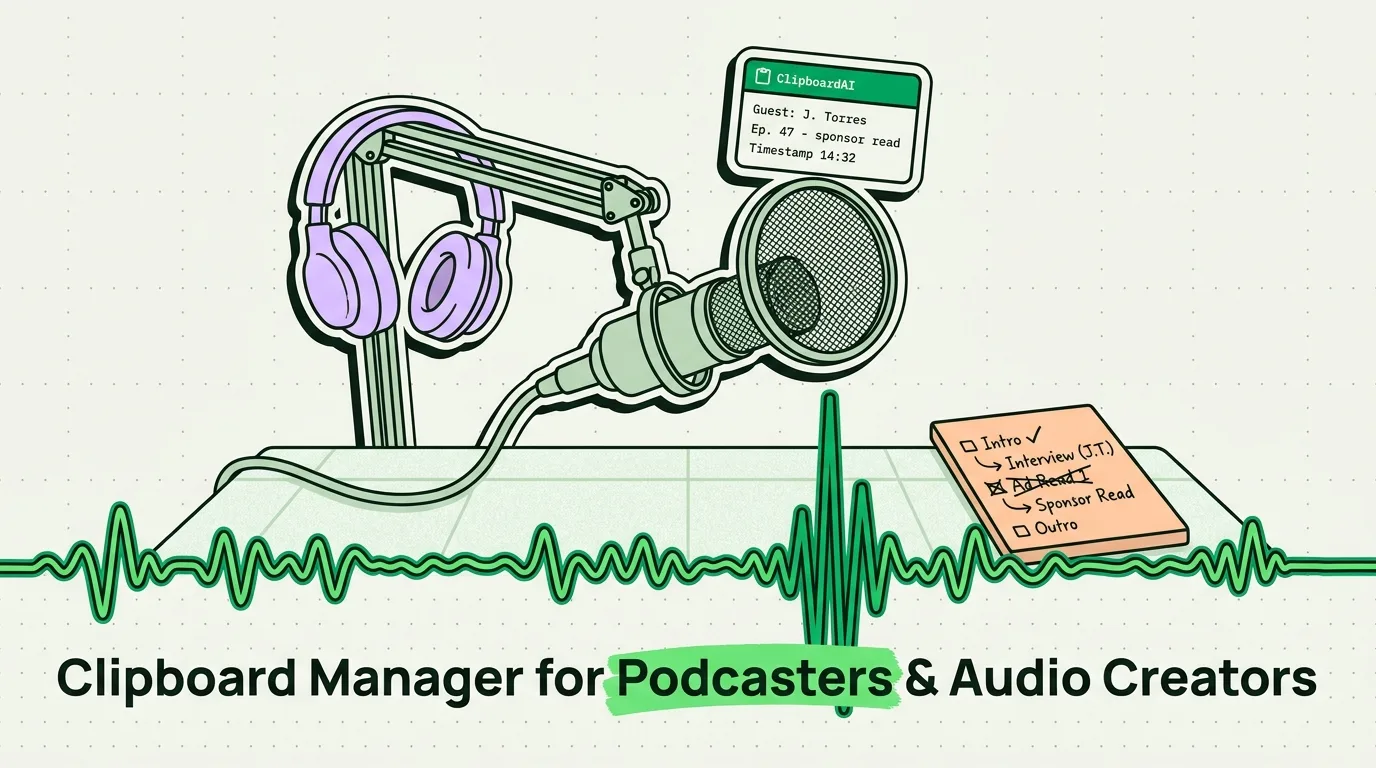
Podcasting looks conversational. It is actually meticulous. Every episode involves a stack of pre-production work: guest research, topic outlines, show notes, question drafts, sponsor reads, timestamps for editing, social media copy for promotion, and episode descriptions for every platform that wants a different word count. All of this happens across multiple apps, with constant copy-pasting of facts, quotes, links, and sponsor details.
A clipboard manager turns this chaos into a linear workflow. Here is the exact setup.
What Gets Lost in a Podcast Research Session
You are preparing an episode on, say, behavioral economics. You open four Safari tabs, a Kindle highlight export, three previous guest emails, your show notes doc, and a Notion page from your last episode. In three hours of research, you will copy and paste dozens of items. Without a clipboard manager, each copy overwrites the previous one.
The things that get lost most often:
- An exact quote you wanted to use verbatim from a research paper
- A guest's specific credential or affiliation you need to get right in the intro
- A relevant statistic you found early in research, before reading six other things
- A URL for a resource you planned to put in show notes
- The sponsor's exact discount code and approved language
The Podcaster's Pinned Snippet Library
Episode Production Templates
## Guest Intro Template
Today I'm joined by [Full Name], [title] at [Organization].
[First Name] is known for [specific achievement or expertise area].
[First Name], welcome to the show.

## Episode Description (Short) - 150 words
[Episode title]. In this episode, [First Name Last Name] and I discuss
[primary topic], specifically [angle 1], [angle 2], and [angle 3].
You'll come away knowing [key insight].

Find [Guest Name] at [guest website] and on [social handle].
Show notes and resources mentioned at [your show notes URL].

## Episode Description (Long) - 300 words
[Expand the short version with backstory, key insights from the episode,
and a call to action to subscribe/review.]

## Show Notes Template
**Episode [Number]: [Title]**
Guest: [Name], [Title at Organization]
Website: [URL]
Social: [handles]

**Key Takeaways:**
1. [Point 1]
2. [Point 2]
3. [Point 3]

**Resources Mentioned:**
- [Resource 1]: [URL]
- [Resource 2]: [URL]

**Timestamps:**
[00:00] - Intro
[Add during editing]

**Connect with [Your Show Name]:**
[Your social handles and website]
Sponsor Read Templates
## Sponsor Read - Standard 30-Second
This episode is brought to you by [Sponsor Name].
[Sponsor one-sentence description].
Listeners of [Your Show] get [offer] at [URL] using code [CODE].
That's [URL], code [CODE].

## Sponsor Read - Host-Read Personalised Version
Honestly, [sponsor product] is something I actually use.
[Personal story, 2-3 sentences, genuine].
Try it yourself at [URL], and use [CODE] for [discount].
Guest Research Template
## Guest Research Card - [Guest Name]
Full Name (correct spelling/pronunciation):
Title and Organization:
Claimed Expertise:
Verified via: [ ] LinkedIn [ ] Website [ ] Published Work
Published work (books/papers):
Controversial or known positions:
Previous podcast appearances (topics):
Questions I want answered:
1.
2.
3.
What I want them to teach my audience:
The Research-to-Script Pipeline
Step 1: Research phase (all tabs open) Copy quotes, statistics, and source URLs in sequence without opening your script doc. Let ClipboardAI log them all.
Step 2: Guest email review Copy any specific details from your guest's email (their exact title, a project name, a company name that must be spelled correctly).
Step 3: Script writing Open your script doc. Open ClipboardAI keyboard. Every quote you copied is there. Paste the best one. Move to next section. Retrieve the stat. Paste it. The research-to-script phase becomes sequential retrieval rather than a multi-tab treasure hunt.
Post-Production Clipboard Workflow
Episode description publishing: Different platforms want different lengths. Spotify and Apple Podcasts: 200-400 words. YouTube: 200+ for SEO. Social posts: 150-280 characters. Create variants in your Description template category, fill them for each episode, and paste the right version into each platform.
Timestamp entry: During editing, copy timestamps in sequence as you mark them. At the end of the editing session, retrieve them from clipboard history in order and paste into your show notes doc.
Social media publishing: Create a social post template with quote + stat + episode link. As you fill it for each platform, your episode URL stays pinned so you paste it consistently across Twitter/X, Instagram, LinkedIn, and Threads without re-navigating to find the URL each time.
Episode Quality Clipboard: Fact Verification Before Publish
Before publishing any episode with factual claims, run a final check:
## Pre-Publish Fact Check
Statistic: [claim]
Source: [exact URL or publication]
Date published: [date]
Page/paragraph: [location in source]
Author credentials: [verified?]
Copyable for show notes? [Y/N - if paywalled, note that]
If you pin this template and fill it for each significant claim in an episode, you always have a record of where you sourced your facts. Useful when a listener challenges a statistic, or when you want to re-use the source in a future episode.