
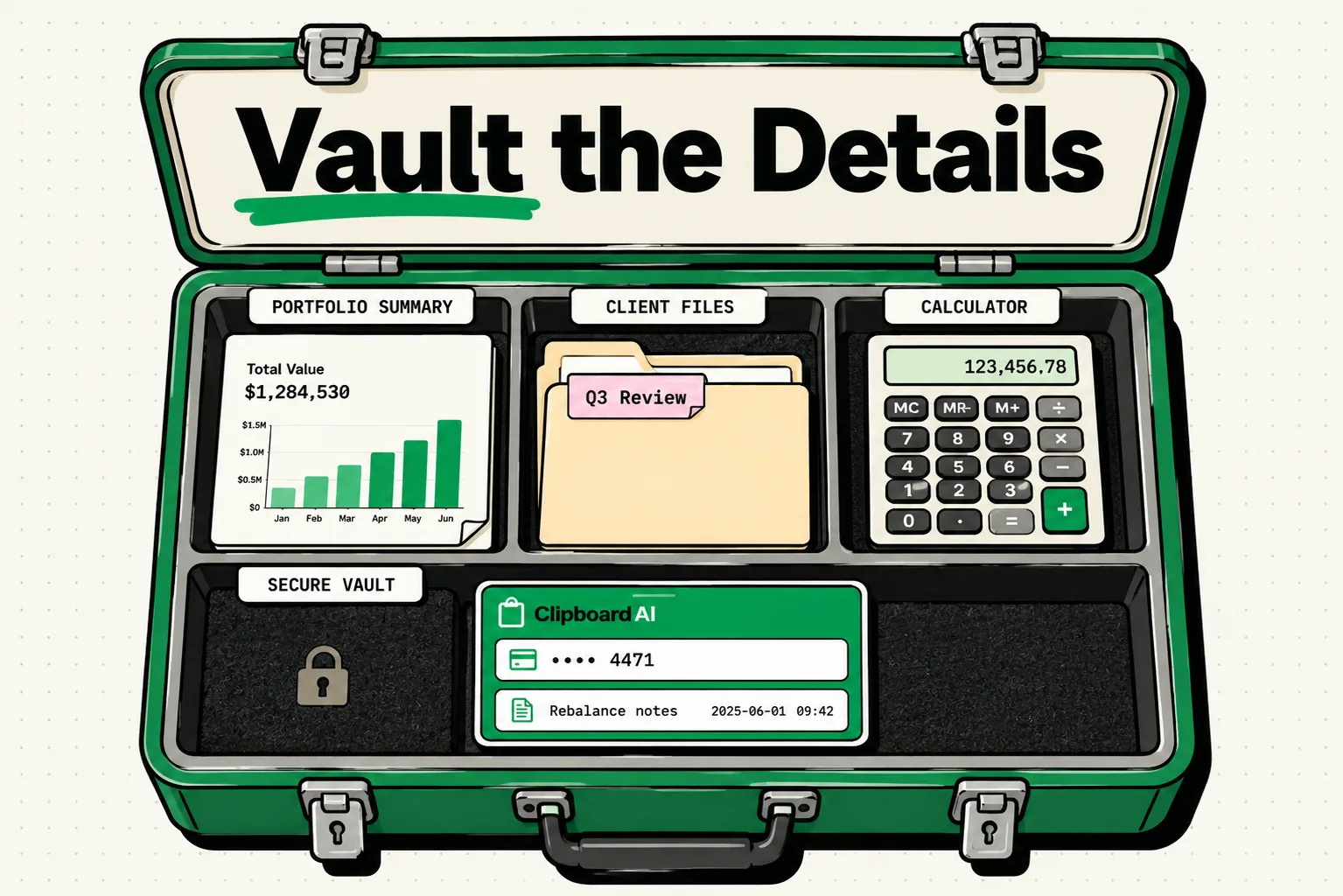
To protect client wealth data and satisfy SEC and FINRA regulatory standards, financial advisors must utilize a local-only, offline clipboard manager. Cloud-syncing clipboard utilities violate Regulation S-P by writing private investor details to external servers. By setting ClipboardAI to local-only mode and blocking wealth planning platforms from the history database, financial advisors can safely pin compliance disclosures, follow-up agendas, and portfolio review templates.
Never copy or store client account numbers, Social Security Numbers (SSNs), investment portfolio balances, credit histories, or login credentials in a clipboard manager. Storing private investor data in a clipboard history file violates Regulation S-P and FINRA data protection guidelines. Use clipboard tools strictly for public administrative templates, boilerplate regulatory disclosures, and meeting agendas.
Wealth management is a heavily regulated, documentation-intensive field. Financial advisors and client service associates (CSAs) spend hours each day copying and pasting compliance boilerplate, drafting onboarding updates, and filling out standard fee disclosures.
Here is how to set up a secure, compliant clipboard workflow that reduces administrative time while keeping investor records isolated.
1. Hardening Financial Data Protection (Regulation S-P)
Under the SEC’s Regulation S-P, financial institutions are required to safeguard nonpublic personal information (NPI) of their clients. If you use a standard clipboard manager that automatically backs up your copied data to the cloud, you are writing NPI to unauthorized remote databases, risking regulatory fines.
Compliance Safety Protocols:
- Add Financial Software to Blocklists: On Mac, go to ClipboardAI > Settings > Excluded Apps and add your financial planning and CRM software (e.g., Salesforce Financial Services Cloud, Redtail CRM, eMoney, Orion, Wealthbox). ClipboardAI won't save anything copied while these apps are frontmost. This exclusion list is a Mac-only feature; there is no equivalent setting on iPhone or iPad.
- Turn Off Multi-Device Syncing: Disable ClipboardAI's cloud syncing in its settings, and separately disable Handoff / Universal Clipboard (an Apple system feature, not a ClipboardAI feature) in your device's system settings. Keep your copy history local to the encrypted physical hard drive of your office workstation.
- Auto-Purge History: Set Auto-Delete Old Clips to 30 days, the shortest window ClipboardAI offers. That's not a substitute for good habits -- if you copy a sensitive financial figure by mistake, delete that entry manually right away rather than waiting on the timer.
[Financial CRM (Redtail / Salesforce)] ──x Blocked from entering ClipboardAI
[SEC Compliance Disclosures] ────────────> [Pinned in Local ClipboardAI]
[Introductory Follow-Ups] ───────────────> [Pasted via Secure Offline Keyboard]
2. Using Advisor Administrative Snippets Safely
Because clinical client investment details are strictly off-limits, use your clipboard manager to store structural compliance snippets and onboarding templates.
Instead of writing standard disclosures or meeting invitations over and over, keep structural templates pinned. When you paste the templates into your client email or document client notes, you can type the client's name and specific investment targets manually.
The Financial Advisor Administrative Snippet Kit
Use these non-identifying templates to manage compliance disclosures, follow-up messages, and meeting agendas. Copy these blocks directly into your ClipboardAI workspace:
Boilerplate SEC Compliance Disclosure Template
Regulatory Disclosure:
[Practice Name] is a Registered Investment Adviser. Advisory services are only offered to clients or prospective clients where [Practice Name] and its representatives are properly licensed or exempt from licensure.

Past performance is no guarantee of future results. All investment strategies involve the risk of loss, including the possible loss of principal.

This communication is for informational purposes only and does not constitute a recommendation or solicitation to buy or sell any security or financial instrument. Please consult with your tax advisor or legal counsel before executing any transaction.
Client Meeting Follow-Up & Action Items Template
Hi [Client First Name],

Thank you for taking the time to meet with me today for our quarterly portfolio review.

Here is a summary of the action items and next steps we discussed:

Action Items for Our Team:
- Rebalance your retirement portfolio to align with our target allocation: [Allocation Detail / e.g., 60% Equity / 40% Fixed Income].
- Review your tax-loss harvesting opportunities for the current tax year.
- Send the updated custodian transfer forms for your review.

Action Items for You:
- Complete and sign the electronic custodian transfer forms once received.
- Send us your updated estate planning documents for our files.

We will follow up once the portfolio rebalancing is complete. In the meantime, please let us know if you have any questions.

Best regards,
[My Name], [Credentials]
[Practice Name]
Initial Client Onboarding Roadmap Checklist
Hello [Client Name],

Welcome to [Practice Name]! We are looking forward to working with you to construct your financial roadmap.

To initiate our onboarding process, please review and complete these three initial steps:
1. Complete our secure online financial profile questionnaire: [Secure Link]
2. Upload your recent account statements, tax returns, and current insurance policies to our secure client vault: [Vault URL]
3. Schedule our initial alignment meeting here: [Scheduling Link]

If you have any questions regarding these files, please contact our office directly.

Best,
[My Name], [Credentials]
Honest Caveats: Secure Custodian Portals
- Ignore Custodian Credentials: Never copy your custodian passwords or multi-factor authentication (MFA) codes to your clipboard manager. Use secure browser auto-fill tools for custodian logins (like Charles Schwab Advisor Center or Fidelity Wealthscape).
- Workstation Audits: If your firm is subject to regular compliance audits, verify that the local database directory of your clipboard manager is excluded from automated security scanning tools that might flag stored text snippets as data leakage.
Financial Advisor Compliance Checklist
Use this security audit to verify that your clipboard tools align with industry regulations:
| Checkpoint | Target Configuration | Completed |
|---|---|---|
| Regulation S-P | Verify Cloud Sync is completely disabled. | [ ] |
| FINRA Compliance | On Mac, verify that CRM databases (Redtail/Salesforce) are in Excluded Apps. | [ ] |
| Workstation Safety | Enable FileVault/BitLocker hard drive encryption. | [ ] |
| Data Retention | Set Auto-Delete Old Clips to 30 days (the shortest available window). | [ ] |
| Universal Clipboard | Verify Handoff is disabled on macOS and iOS. | [ ] |
Frequently Asked Questions
Can ClipboardAI satisfy SEC archiving requirements?
ClipboardAI is a local productivity utility, not a formal record-keeping database. Your official client communications must be archived via your firm's compliance-approved email and document archiving systems (like Smarsh or MyComplianceOffice).
Is it safe to store my fee schedule in ClipboardAI?
Yes. Your standard fee schedule, advisory fee disclosures, and public ADV brochure links are public document filings, meaning they contain no personal client details and are completely safe to pin.
What should I do if I copy an account number by mistake?
Open ClipboardAI, find the account number in your history index, and click delete. Overwrite your active system pasteboard RAM by immediately copying a generic, public word (e.g., "Completed").
Methodology Note: The financial advisor templates and compliance steps compiled in this guide were designed in reference to SEC Regulation S-P and FINRA data protection controls. These templates are practical starting points; adapt them to your firm's specific compliance policies.