
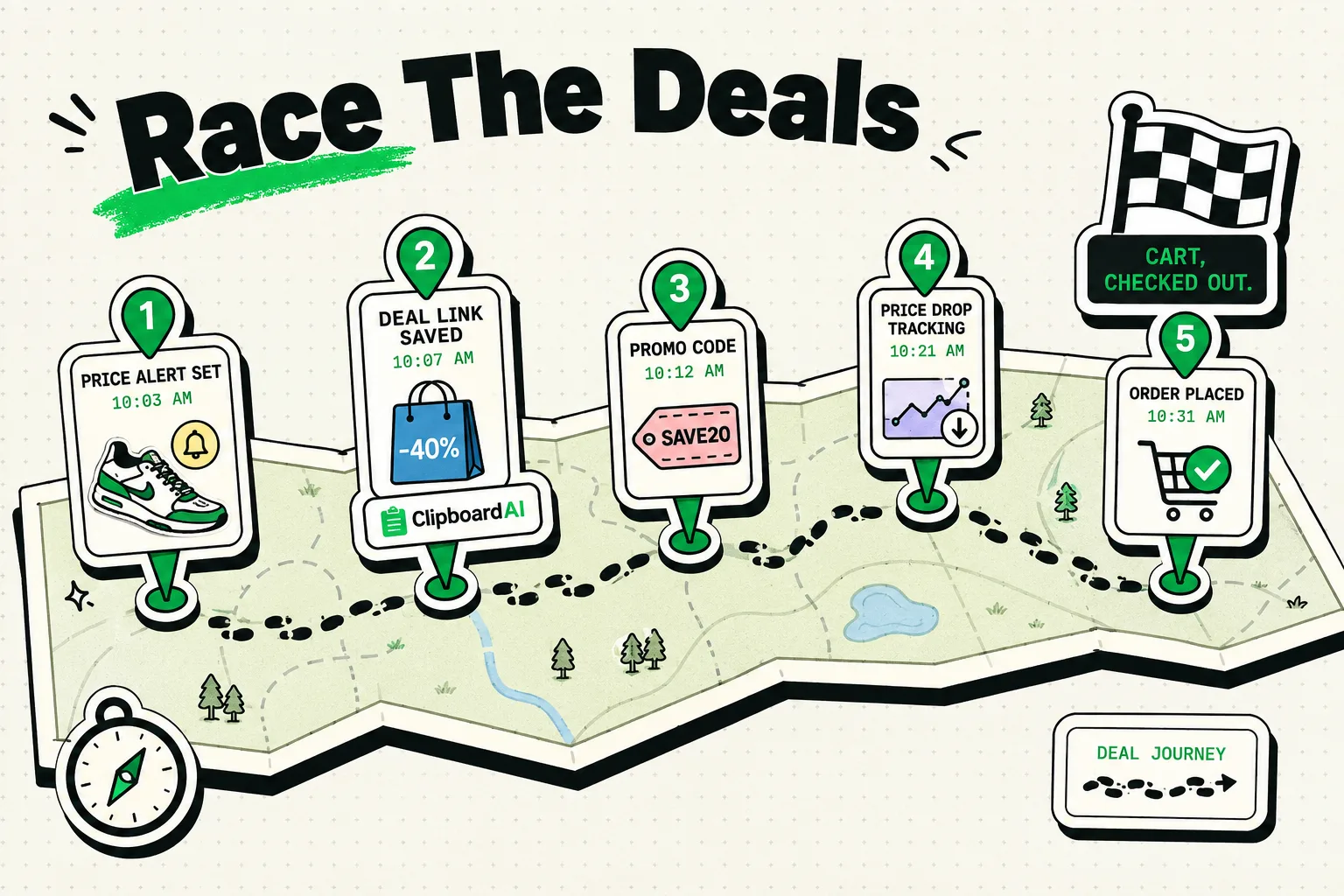
Securing the best Black Friday deals on your iPhone requires speed, automation, and setting up your check-out details before stock runs out. To bypass slow checkout flows and purchase high-demand items before they sell out, you must configure Apple Pay or password manager AutoFill, enable browser ad blockers to prevent page lag, use price trackers for stock alerts, and leverage ClipboardAI to keep discount codes and address details pinned for instant pasting.
The Checkout Race: Why Seconds Matter on Black Friday
On major shopping holidays like Black Friday and Cyber Monday, inventory for popular tech, fashion, and home goods is highly limited. Retailers use dynamic stock allocation, meaning items in your shopping cart are not reserved. If a thousand people are checking out at the same time for a product with only fifty units in stock, the units will go to the first fifty customers who complete their payments.
If you are stuck manually typing your 16-digit credit card number, shipping address, or copying and pasting coupon codes back and forth from email threads, you will likely lose the deal.
We have detailed the key settings and workflows to turn your iPhone into a high-speed shopping tool.
iPhone Shopping Speed Matrix
Automating your check-out flow eliminates manual input mistakes and speeds up transactions. Here is how various checkout techniques compare:
| Checkout Method | Speed Advantage | Setup Complexity | Security Level | Best For | Potential Failure Point |
|---|---|---|---|---|---|
| Apple Pay | Under 3 Seconds | Medium (Verify cards) | Extremely High | Major retailers (Target, Apple) | Retailer must support it. |
| Browser AutoFill | Under 10 Seconds | Low (Safari settings) | Medium | Standard web forms | Can misalign fields on custom sites. |
| ClipboardAI Pinned Keyboard | Under 5 Seconds | Low | High | Coupon codes & addresses | Requires manual selection. |
| Manual Input | Over 45 Seconds | None | High | Unsupported sites | High risk of stock selling out. |
1. Prepare Apple Pay and Contact Cards
The fastest way to pay on an iPhone is Apple Pay. It bypasses shipping address forms and payment fields entirely, completing the purchase with a double-click of the power button and FaceID.
- The Workflow: Go to Settings > Wallet & Apple Pay. Ensure your active credit card is loaded and has correct billing details. Next, go to Settings > Safari > AutoFill and ensure your contact card has your current shipping address, phone number, and email.
- Why It Works: Apple Pay reduces the checkout funnel to a single tap, executing payment and shipping details in one encrypted token transaction.
2. Leverage ClipboardAI for Coupon Codes and VIP Links
Many retailers release promo codes (e.g., BLACKFRIDAY20, VIPEARLYAccess) that must be applied in the shopping cart. If you copy a coupon code, then switch to a browser, copy the product link, and go to the cart, the coupon code is overwritten in your system memory.
ClipboardAI lets you store multiple discount codes and VIP links on a custom keyboard for immediate entry.
- The Workflow: On the morning of the sale, compile all active promo codes from your emails and copy them one by one. Pinned them in ClipboardAI. When you reach the store's check-out screen, tap the promo code field, switch to the ClipboardAI keyboard, and select the code.
- Why It Works: It eliminates the need to switch back and forth between your email client and Safari, keeping you focused on the checkout page.
3. Disable Tracking Scripts to Speed Up Page Loading
Under heavy traffic, e-commerce sites load slowly because of background tracking scripts, marketing pixels, and display ads. These scripts can delay the appearance of the "Add to Cart" or "Checkout" buttons by several seconds.
- The Workflow: Install a Safari content blocker (such as AdGuard or 1Blocker) from the App Store. Go to Settings > Safari > Extensions and enable it.
- Why It Works: Blocking ads and trackers reduces page size and limits browser network requests, allowing the checkout interface to load much faster under server stress.
Pre-Shopping Checklist: T-Minus 24 Hours
Run through these preparation steps the day before Black Friday:
- Log Into Retailer Accounts: Go to Amazon, Best Buy, Target, and any other target stores. Log in and verify that your shipping address and default payment card details are correct.
- Cache Checkout Pages: Add your target items to your wishlist or shopping cart ahead of time. This saves you from searching for the item once the discount active time begins.
- Enable FaceID for Payments: Ensure FaceID is active for purchases (Settings > Face ID & Passcode > iTunes & App Store).
- Collect Promo Snippets: Pin your shipping details, card security codes (CVV), and promo codes into ClipboardAI.
Honest Caveats: Security Risks and Pitfalls
High-speed shopping carries distinct risks that you must manage carefully:
- Phishing Sites: Cybercriminals set up fake retail storefronts that mimic popular brands to steal credentials. Always verify the domain URL before pasting or auto-filling credentials.
- Impulse Buying: Speed-focused workflows make it easy to spend money. Set a strict budget before the sales start and stick to your wishlist.
- AutoFill Errors: E-commerce sites sometimes use non-standard field names that confuse browser AutoFill, leading to shipping errors. Verify your address is correct before tapping the final buy button.
- Local Clipboard Safety: Never leave credit card details permanently in your clipboard history. ClipboardAI allows you to set a local history expiration timer, and you should manually clear your shopping snippets after you complete your purchases.
Frequently Asked Questions
Why does Safari AutoFill fail on certain checkout pages?
Some custom-built checkout pages hide field labels or use non-standard HTML forms, which prevents Safari from identifying where to inject your address or credit card details. When this happens, switch to the ClipboardAI keyboard to paste details manually.
Is it safe to save my CVV code in a clipboard tool?
We do not recommend storing your credit card number and CVV code together permanently. If you need to copy it for speed, do so immediately before checkout and use ClipboardAI's manual purge to wipe the memory once you are done.
Does Apple Pay charge additional fees?
No. Apple Pay does not charge fees to consumers or merchants for transactions. It simply acts as a secure container for your existing bank cards.