
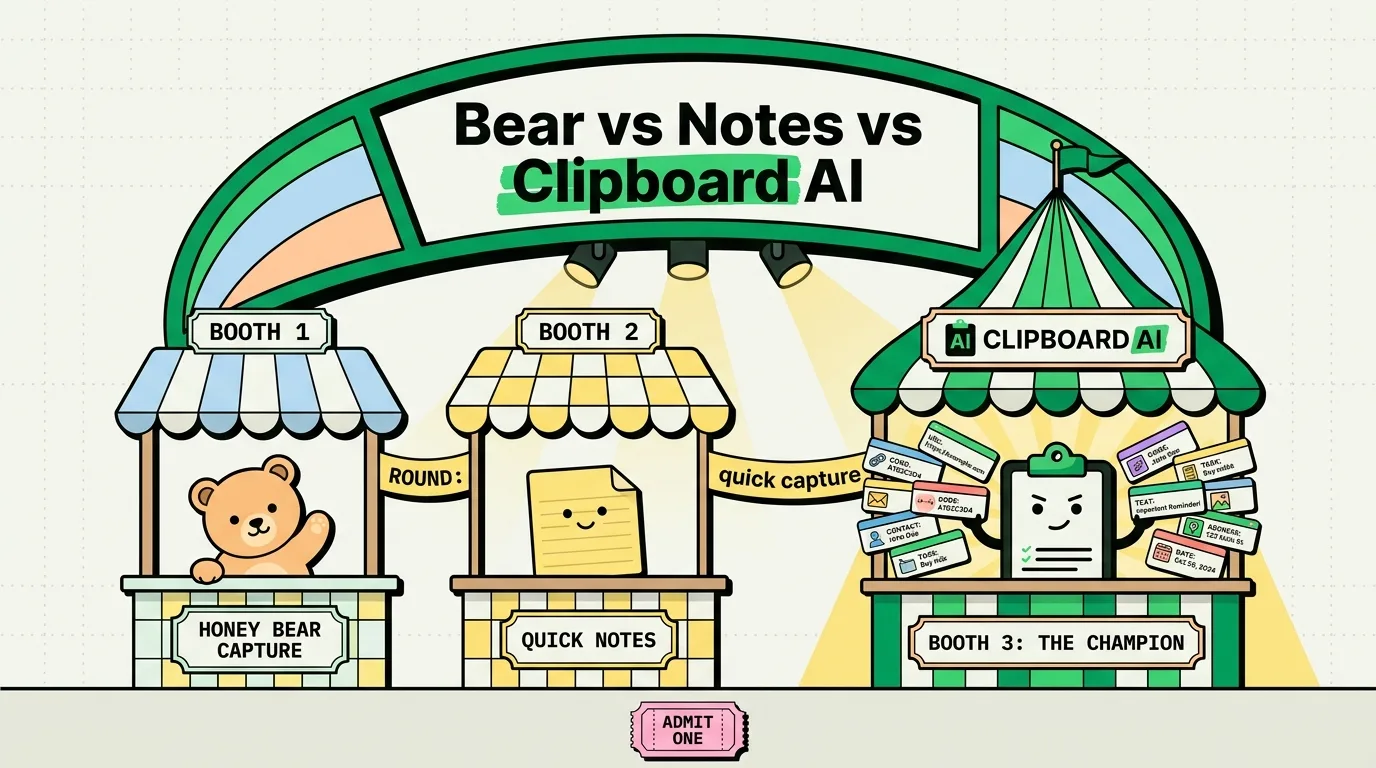
For Apple users optimizing their quick-capture workflows, the choice depends on how you structure information: Apple Notes is the best free, system-integrated tool for rich-text folders and document scans. Bear is a premium markdown-focused editor designed for writers who organize via nested tags. ClipboardAI is a dedicated clipboard manager that automatically captures text, links, and code in the background, serving as a zero-click scratchpad that feeds your notes. Use ClipboardAI for instant database logging, and Bear or Apple Notes for structured writing.
Three Different Philosophies of Capture
When inspiration strikes, or when you need to save a snippet of research, the speed of your software determines whether you actually log the information or let it slip away.
- Apple Notes treats quick capture as a system-level extension. By tapping the Quick Note icon in your iPad or iPhone Control Center, or using a hotkey on your Mac, a small scratchpad slides over your active screen. It is fast, native, and always available.
- Bear treats capture as an artistic writing experience. When you open a new note in Bear, you are presented with a clean editor that uses Markdown syntax. You capture thoughts by typing directly, using tags like
#work/ideasat the bottom of the note to organize it instantly. - ClipboardAI treats capture as a passive utility. Instead of requiring you to open an editor, create a note, and name it, ClipboardAI watches your system pasteboard. Every link, code block, or text block you copy is logged automatically into a local SQLite database. You capture information by simply copying it.
Capture Tools Comparison Matrix
To see how these applications compare in everyday performance, review the specifications below.
| Feature | Bear | Apple Notes | ClipboardAI |
|---|---|---|---|
| Tool Type | Markdown Note Editor | Rich Text Note Editor | Clipboard History Manager |
| Capture Trigger | Manual open and type | Native iOS Quick Note / Manual | Automatic background copy |
| Formatting Syntax | Markdown (#, *, >) |
Rich Text / Styles / Tables | Plain text, Rich, or Cleaned |
| Primary Organization | Nested Tags (e.g., #tag/sub) |
Folders and Smart Folders | Smart Custom Categories |
| Sync Environment | CloudKit (Pro subscription) | iCloud (Free) | Optional iCloud Sync (One-time) |
| Password Locking | Yes (Encrypted notes) | Yes (End-to-end FaceID lock) | Excludes secure manager copies |
| Ecosystem Focus | Apple-only (macOS/iOS) | Apple-only (macOS/iOS) | Apple ecosystem (macOS/iOS) |
| Pricing Model | Subscription ($29.99/year) | Free | Free tier / One-time upgrade |
Core Feature Comparison
1. Speed of Capture
How many clicks does it take to save an address or a research quote?
- ClipboardAI (0 Clicks): Runs silently. If you highlight a paragraph on a web page and press
Cmd + C, it is saved. You do not have to name a note, add a tag, or choose a folder. It is the fastest possible way to capture references because it is entirely passive. - Apple Notes (2 Clicks): Swiping from the bottom right corner of your iPad or tapping the Quick Note widget on iPhone opens a new canvas immediately. You can paste your copied text and close it.
- Bear (2-3 Clicks): Opening Bear to write requires launching the app and tapping the new note icon. While Bear is highly responsive, it requires you to actively structure the note with markdown headers and tags if you do not want it to become lost in your untagged inbox.
2. Organization and Structuring
Once you have captured 100 ideas, how do you find them again?
- Apple Notes: Relies on a traditional hierarchical folder structure. You can create folders inside folders and set up Smart Folders that automatically collect notes based on specific search filters.
- Bear: Rejects folders entirely in favor of nested tags. Typing
#receipts/2026anywhere in a note automatically places it in thereceiptstag and creates a sub-level folder2026in the sidebar. It is a highly fluid system for writers who dislike rigid folder trees. - ClipboardAI: Organizes captured items in a local utility database. It splits raw copy history (which is searchable and expires after a set period) from your pinned templates, which you can organize into custom folders for quick insertion via a custom keyboard.
3. Writing and Formatting Quality
If your goal is long-form writing rather than simply logging information, the note editors stand out.
- Bear: Is designed for pure writing comfort. Its markdown implementation is seamless, hiding syntax indicators automatically to keep your text clean. It supports gorgeous visual themes and offers advanced export engines to convert notes into PDF, HTML, or DOCX formats.
- Apple Notes: Provides standard rich text formatting. It excels at drawing with the Apple Pencil, scanning documents, and embedding interactive PDF files.
- ClipboardAI: Does not offer a long-form writing workspace. It is a text utility. Its custom keyboard extension is built to quickly inject snippets, addresses, or template responses into other apps.
The Capture Pipeline: Combining All Three
The most efficient productivity setups do not choose between a clipboard manager and a note-taking app; they link them together.
[Web / PDF / Figma] ──(Copy Clip)──► [ClipboardAI SQLite Database]
                                                 │
                                         (Format & Select)
                                                 ▼
[Bear (Markdown Drafts) OR Apple Notes (Scans & Receipts)]
You can use ClipboardAI as the first collection bucket. As you read a PDF or browse research sites, you copy quotes, reference links, and statistics. ClipboardAI logs them in order. Later, when you sit down in Bear to write a report or open Apple Notes to structure a project, you can use the ClipboardAI history panel to drag and paste your collected resources directly into your document, saving you from switching back and forth to your web browser.
Honest Caveats and Limitations
- Bear is Apple-Only: Bear does not offer a Windows or Android application. If you switch to a Windows PC for work, your notes are inaccessible.
- Bear Subscription Lock: Bear's iCloud sync, themes, and export options require a Pro subscription. The free version does not sync across your Mac and iPhone.
- Apple Notes Markdown: Apple Notes does not natively support Markdown. If you try to paste markdown syntax (
## Header), it will paste as raw characters rather than styling the text automatically.
Final Recommendations: Which is Best for Your Workflow?
- Choose Bear if: You want a beautiful, distraction-free environment to write long-form content, prefer using tags over folders, want markdown exports, and do not mind paying a yearly subscription.
- Choose Apple Notes if: You want a completely free note editor that integrates with Siri, supports document scanning, and allows you to lock notes securely with FaceID.
- Choose ClipboardAI if: You want a background utility to log your clipboard history automatically, need to organize custom templates, and want to paste snippets via an custom iOS keyboard without leaving your active app.
Frequently Asked Questions
Can I run ClipboardAI alongside Bear and Apple Notes?
Yes. ClipboardAI runs in the background on macOS and iOS, monitoring your clipboard buffer. It does not interfere with Bear or Apple Notes and serves as a tool to move information into those apps.
Does Bear store notes locally?
Yes. Bear stores your notes in a local database on your Mac, iPad, or iPhone. If you subscribe to Bear Pro, it syncs those local databases securely across your Apple devices using iCloud.
How do I import text into Bear using ClipboardAI?
On your Mac, you can open ClipboardAI, select the snippet you want from your history sidebar, and drag it directly into a Bear editor window. On iPhone, switch to the ClipboardAI keyboard and tap the snippet to insert it.