
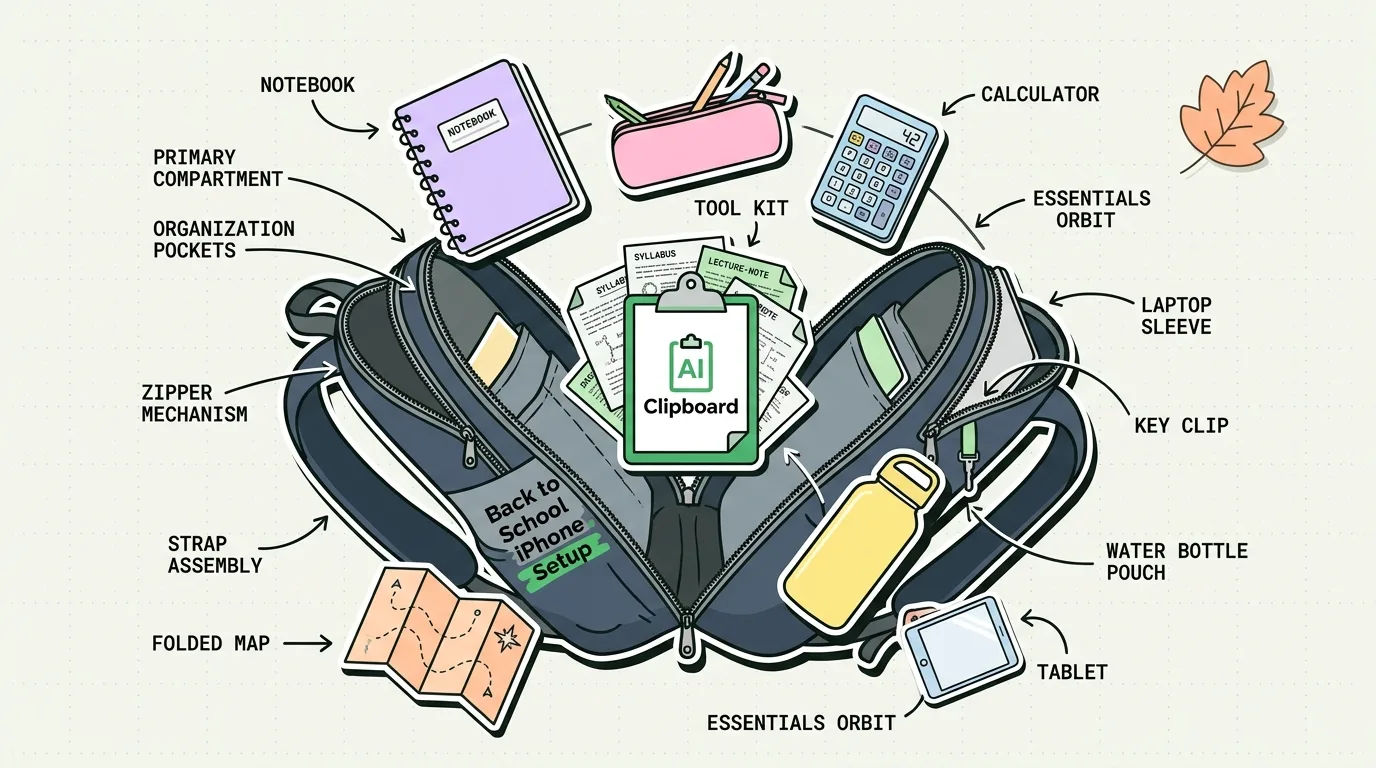
An optimized student iPhone setup for fall 2026 requires setting strict Focus filters, adding interactive study widgets, and installing a centralized clipboard manager like ClipboardAI to collect citations, syllabus links, and lecture notes. By organizing your phone around distraction barriers and data-capture utilities, you transform it into an academic workstation rather than a social media distraction.
Preparing for a new academic semester is no longer just about buying notebooks and binders. Your phone is your primary interface for information. If your device is cluttered with social media notifications and unorganized files, it will remain a source of distraction. However, with the right system-level settings and app stack, your iPhone can help you manage your coursework, track reading assignments, and organize study sessions.
Fall 2026 Student App Stack and Configuration Guide
To build an efficient academic setup, configure your iPhone around these core utilities:
| Category | Recommended Tool | Core Function | Actionable Configuration Trick |
|---|---|---|---|
| Task Management | Apple Reminders | Track assignments, homework deadlines, and exams. | Create a folder for each class; add widgets showing tasks due today. |
| Database & Notes | Notion (Free Student Plan) | Store syllabus files, lecture notes, and class schedules. | Create a master assignments database and link it to your calendar. |
| Focus & Timing | Forest | Block distracting apps using gamified focus sessions. | Join study groups with classmates to hold each other accountable. |
| Research Utility | ClipboardAI | Capture and organize reference links, quotes, and citations. | Pin standard citations, student ID details, and Zoom links for easy access. |
| Storage & Cloud | Google Drive | Back up essays, lecture slides, and PDF readings. | Set up a shortcut that auto-saves scanned document PDFs directly to Drive. |
| Security & Passwords | Bitwarden | Protect portal logins, school emails, and library passwords. | Enable system-level AutoFill settings for fast portal access. |
Step 1: Configure Your "Study Focus" Mode
To study effectively, you must prevent notification interruptions. Do not rely on willpower; adjust your system settings instead.
- Open Settings > Focus.
- Tap the + icon in the top-right corner to create a new Focus. Name it Study.
- Under Allowed People, allow alerts only from immediate family members and group project partners.
- Under Allowed Apps, block all social media, games, and shopping apps. Whitelist only educational apps like Canvas, Notion, and email.
- Link this Focus Mode to activate automatically when you arrive at the campus library location or start your calendar class slots.
Step 2: Build a Citation Capture Workflow
When writing research papers, capturing source quotes and citations is a major friction point. You can streamline this workflow by using your clipboard as a temporary scratchpad:
- When reading a research PDF in Safari, highlight a relevant quote.
- Copy the quote. Immediately copy the PDF page title and URL.
- Open ClipboardAI. Your copied quote and source links will be logged into your history automatically.
- Categorize these under a custom folder named after your research topic (e.g., "History Essay").
- When you open your drafting app (like Google Docs or Notion on your iPad or Mac), access these saved clips from your history list. You can paste them in order, complete with source links, without switching tabs constantly.
The Best Student Apps for 2026 (Reviewed)
Notion
Notion remains the gold standard for student workspace organization. Its databases allow you to organize your class notes, assignments, and exam schedules in one central dashboard.
- Pro Tip: Apply for the free Notion Student Plan using your school email address to unlock unlimited file upload limits.
Forest
To stay off social media, Forest uses gamification: you plant a virtual seed that grows into a tree over a 25-minute study block. If you leave the app to check messages, your tree dies.
- Pro Tip: Group sessions allow you to sync study timers with classmates; if anyone checks their phone, everyone's trees die.
Bitwarden
School networks require logging into library portals, student email accounts, and Canvas pages daily. Bitwarden keeps these credentials secure and auto-fills them in Safari, saving you from resetting passwords repeatedly.
Honest Caveats & Academic Pitfalls
When setting up your student device, beware of these common pitfalls:
- The "Database Setup" Procrastination: Spending 10 hours customizing a beautiful Notion dashboard is a common way to avoid actual studying. Keep your layouts simple. The goal is to study, not to manage database templates.
- The iPad/iPhone Sync Delay: If you use iCloud to sync study logs across devices, delay can occur when copying links from your phone to paste into your laptop. If your connection is weak, rely on local offline logs to avoid losing information.
- Canvas Plagiarism Checkers: When using clipboard utilities to copy reference text, ensure you rewrite drafts in your own words. Automated plagiarism detectors like Turnitin analyze syntax patterns, so copy-pasting should only be used for direct quotes and source management.
How ClipboardAI Supports Students
ClipboardAI serves as the administrative assistant for your studies. It removes the physical friction of collecting quotes, reference URLs, class details, and Zoom links. By saving everything you copy to a searchable local database and making it available via a custom keyboard, ClipboardAI helps you write research papers faster, fill out academic applications in seconds, and stay organized throughout the semester.
Frequently Asked Questions
How do I use my iPhone to scan physical textbook pages into text?
Open the native Notes app, tap the camera icon, and select Scan Text. Point your camera at the textbook page, highlight the text on your screen, and tap Insert to convert the physical page into editable text in your note.
Will whitelisting apps in Focus Mode still let notifications through?
Yes. Whitelisted apps can display alerts normally. If you want to review updates without sound or lock screen banners, configure the whitelisted apps to send alerts to the iOS Notification Summary instead.
Can I share my study widgets with a classmate?
While you cannot share iOS home screen widget layouts directly, you can share the source data (such as a shared Apple Reminders list or a shared Notion database page). Once shared, your classmate can add the corresponding widget to their own device.